ESPHome vs Custom Firmware on ESP32: Which to Use
ESPHome or custom ESP32 firmware? A decision table, what ESPHome can't do, and why OpenGizmo's own web app, portal and MCP server use PlatformIO.
- Author
 Mauro Brambilla
- Published
- Reading time
- 7 min
- Category
- Comparisons
In short
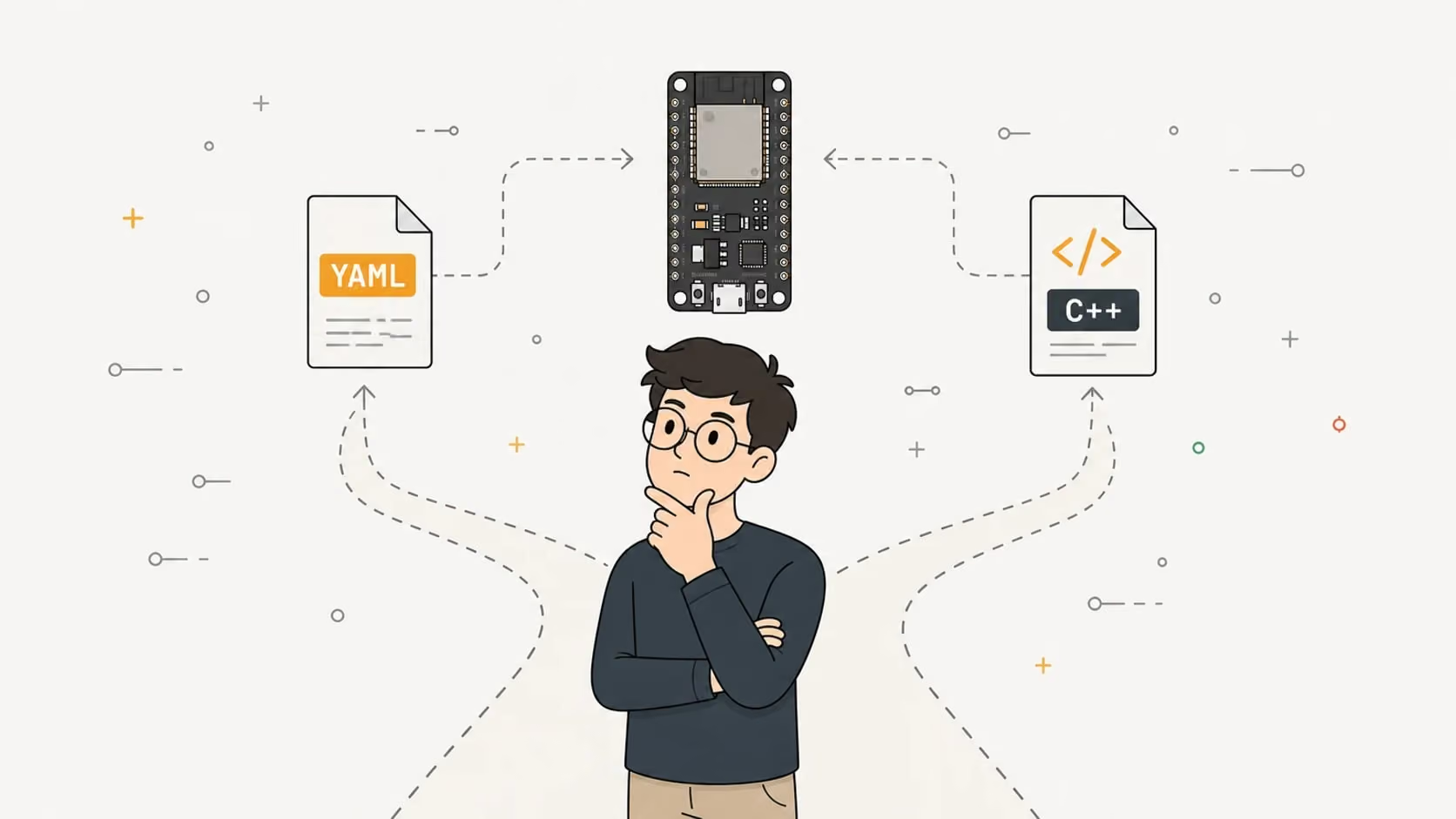
Use ESPHome when the board is a sensor or switch that Home Assistant will control. Write custom firmware when the board must serve its own web app, setup flow or API, as OpenGizmo's three do.
Use ESPHome when your ESP32 is a sensor, switch or display that Home Assistant will control: you describe it in YAML and ESPHome generates and builds the firmware. Use custom firmware (your own C++ on the Arduino framework or ESP-IDF, or MicroPython) when the board must do something no component covers, like serving its own web app or speaking a protocol of your own.
All three OpenGizmo projects use custom firmware, built with PlatformIO. This post puts both options side by side with the ESPHome documentation (checked in November 2026) and the real code of the Gizmo Ticker, Gizmo Reolink Switch and Gizmo Camera. One thing up front: I did not rebuild these projects in ESPHome, so where I say a feature has no fit, I mean the documentation I read, not an experiment.
What does ESPHome do for you?
ESPHome is a tool that turns a YAML file into firmware for an ESP32 or similar chip. Its own home page says it lets you build smart home devices without writing code, and that every device works with Home Assistant out of the box, locally. You list components (a temperature sensor on a pin, a relay, a display), and ESPHome compiles and flashes them.
Four things come included, and they are worth money in time:
- A native API for Home Assistant. Add
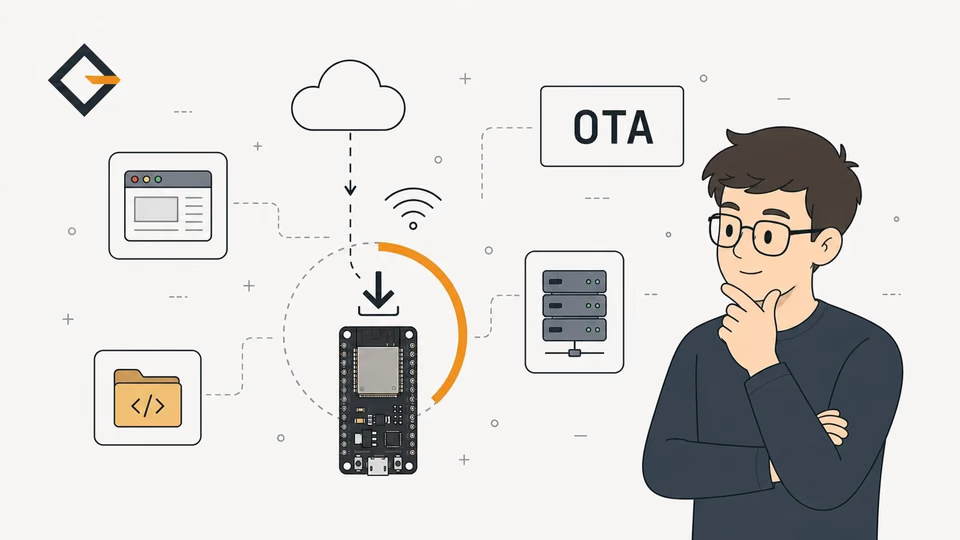
api:to the config and the device appears under discovered integrations, as the API component page describes. Encryption is optional. - Over-the-air updates. The OTA component offers the native protocol, an upload through the device's web page, or a pull from a web server, plus a safe mode to recover from a bad build.
- Wi-Fi fallback. With an
ap:block the Wi-Fi component starts a hotspot only when the router can't be reached (theap_timeoutdefault is 90 seconds), and the captive portal lets you change the network or upload firmware. - A component library. One example from this blog: the MAX7219 display component supports chained chips, rotation, and scrolling.
That last point matters for fairness. Hardware is not why OpenGizmo skips ESPHome: it has a component for the Ticker's MAX7219 chain, and an ESP32 camera component whose page includes an Ai-Thinker pin example, the board family the Gizmo Camera uses.
How does ESPHome compare with Arduino, ESP-IDF and MicroPython?
ESPHome sits on top of the frameworks, so the real comparison is a stack. The ESP32 platform page says ESPHome defaults to ESP-IDF, and offers Arduino for the classic ESP32, S2, S3 and C3, integrated as an ESP-IDF component. Custom firmware means choosing one of the others directly.
| Option | You write | Good fit | Main cost |
|---|---|---|---|
| ESPHome | YAML, with C++ lambdas when needed | Sensors, switches and displays for Home Assistant | Features come from components, and your own app has no place to live |
| Arduino-ESP32 | C++ with Arduino libraries | Custom devices with a big library ecosystem | You write and maintain everything above the libraries |
| ESP-IDF | C or C++ on Espressif's framework | Full control of the chip and its drivers | A steeper start and more code per feature |
| MicroPython | Python, run from a REPL | Quick experiments and scripting | A runtime on the chip and fewer ready libraries for exotic parts |
Some sources for the table: the Arduino-ESP32 docs say the 3.3.12 core is based on ESP-IDF 5.5, so the two are one family. The ESP-IDF guide calls it Espressif's framework for IoT applications, built with CMake and Ninja. MicroPython's ESP32 reference lists the ESP32, C3, C6, S2 and S3 and a REPL on UART0 at 115200 baud. The "main cost" column is my judgment, not a benchmark: I measured nothing here.
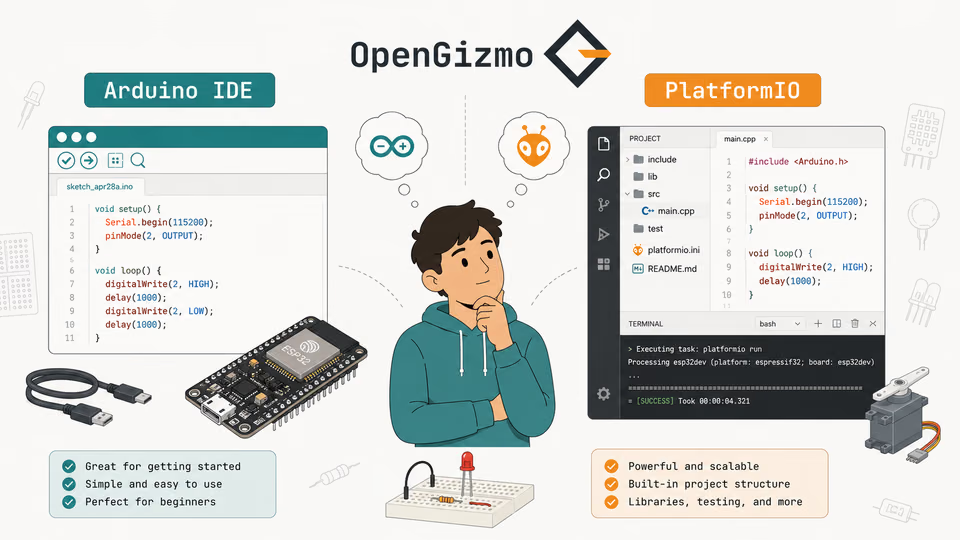
For the toolchain side of custom firmware, the Arduino IDE vs PlatformIO comparison has the details. This post is about the layer above: whether to write firmware at all.
When is ESPHome the right choice?
ESPHome is the right choice when the answer to "who talks to this board?" is Home Assistant. In that case you get the integration, the updates and the fallback hotspot for free, and a few lines of YAML replace hundreds of lines of C++ that you would then have to maintain.
It is also the right choice when you want many similar devices, because each is one short file. And it is the better start if you don't want to write C++: that is the stated point of the tool.
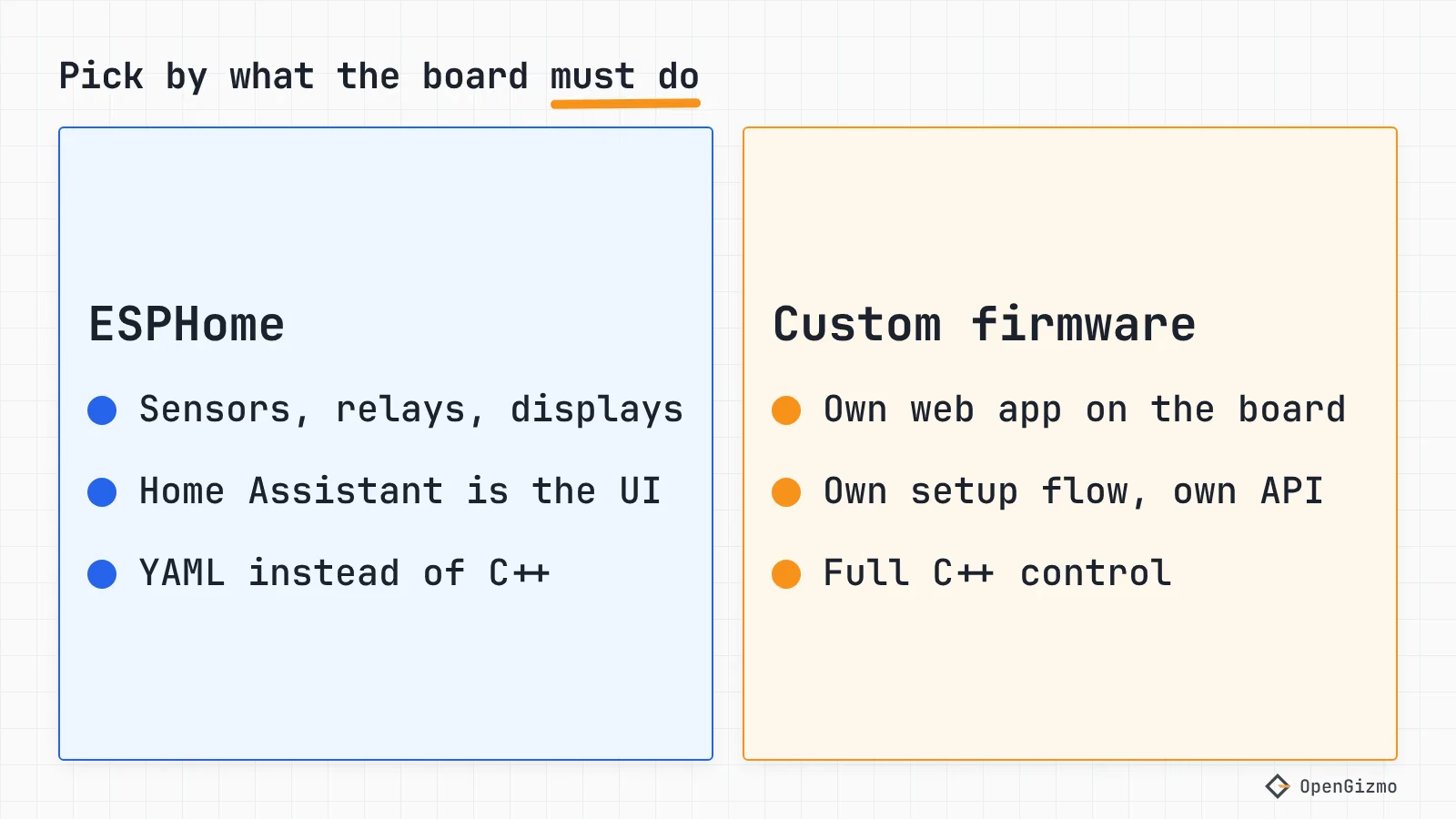
| If your board... | Use |
|---|---|
| Is a sensor, relay or display controlled from Home Assistant | ESPHome |
| Should be set up and updated with no code written | ESPHome |
| Needs a protocol or library with no ESPHome component and you are fine writing a lambda | ESPHome with lambdas |
| Must serve its own web app, not a dashboard | Custom firmware |
| Needs a setup flow, an API or a browser flasher you design | Custom firmware |
| Has to run a standard others can call, such as an MCP server | Custom firmware |
What can't ESPHome do?
ESPHome is not a closed box, and it has escape hatches worth knowing. Lambdas are C++ inside YAML that can read any component by ID, and the external components feature imports community or local code from a Git repository or a folder. ESPHome also warns that it copies lambdas into the generated C++ without validating them.
The limits show up when the product is the interface, not the device:
- The web server is a fixed page. The web_server component has three interface versions, local assets, optional authentication, and a
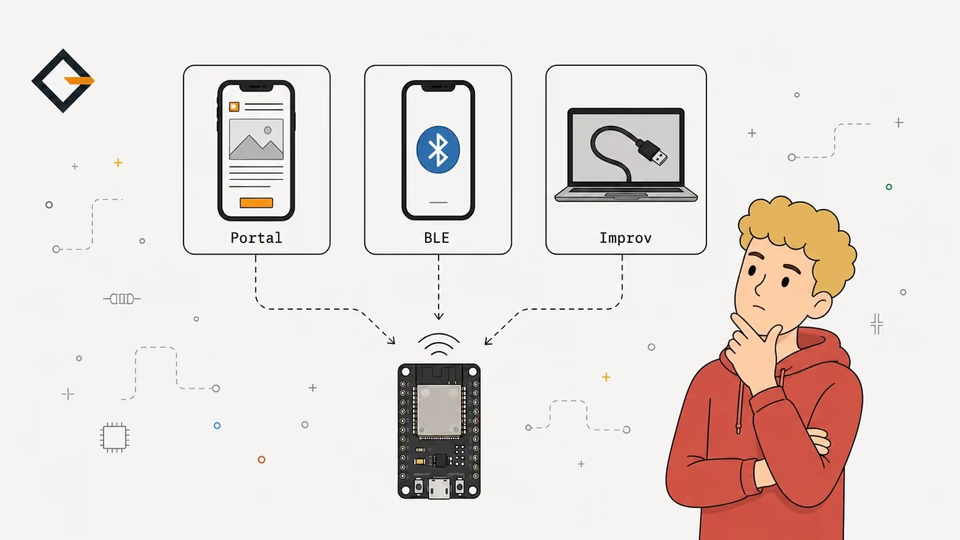
js_includeandcss_includefor add-ons. Its documentation describes no way to host a separate page of your own. - The captive portal is a fixed page too. Its documentation offers Wi-Fi settings and a firmware upload, and its only option is the compression of the embedded assets.
- HTTP requests have small defaults. The http_request component keeps a response buffer of 1 kB unless you raise it, and verifies HTTPS certificates by default on ESP32, so a device with a self-signed certificate needs a CA file (
ca_certificate_path, which the page recommends) orverify_ssl: false, which the page says reduces security. - The native API talks to a short list of clients. The API page says only the ESPHome tool, Home Assistant and ioBroker use it. An AI agent or your own script isn't on that list.
None of these is a bug. They describe a tool that optimizes for devices, not for products.
How do updates and Wi-Fi setup differ?
ESPHome ships both an update path and a fallback Wi-Fi hotspot, and the two approaches differ in who owns the code. With ESPHome, you configure the fallback hotspot and the OTA platform, and the project maintains the implementation. With custom firmware, you pick every piece yourself, which gives you the freedom and the bill.
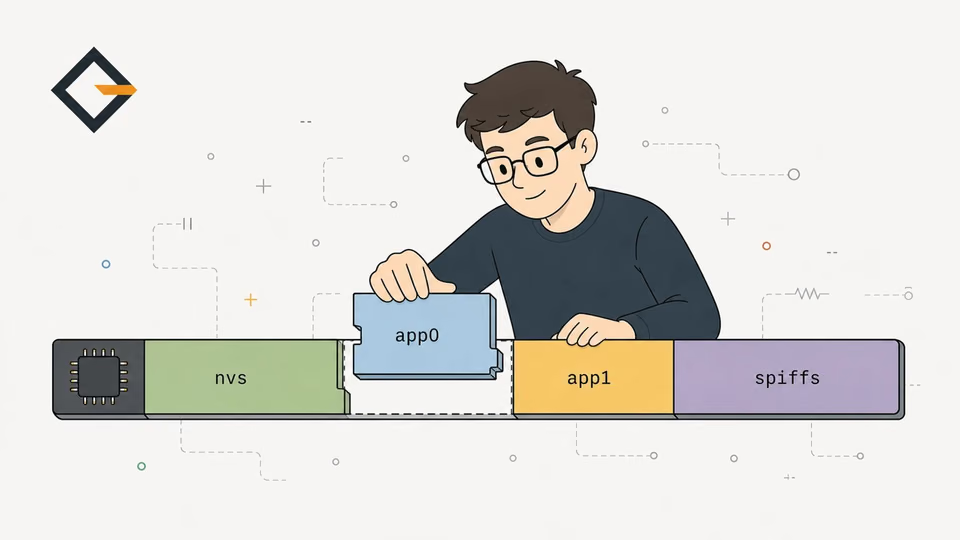
OpenGizmo is a good example of the bill. The captive portal is code I own: gizmo-common starts an open hotspot, answers every DNS name with its own address and redirects probes to /ap-setup. The Wi-Fi provisioning comparison shows what that costs in security. And there is no OTA at all: the three firmwares use the huge_app.csv partition table, a single 3 MB app slot, so updates go over USB from the browser, as the OTA comparison explains. ESPHome users get OTA and a safe mode without writing a line.
Why do the OpenGizmo projects use custom firmware?
Four reasons, and each is visible in the repositories. They are reasons for these products, not for every board.
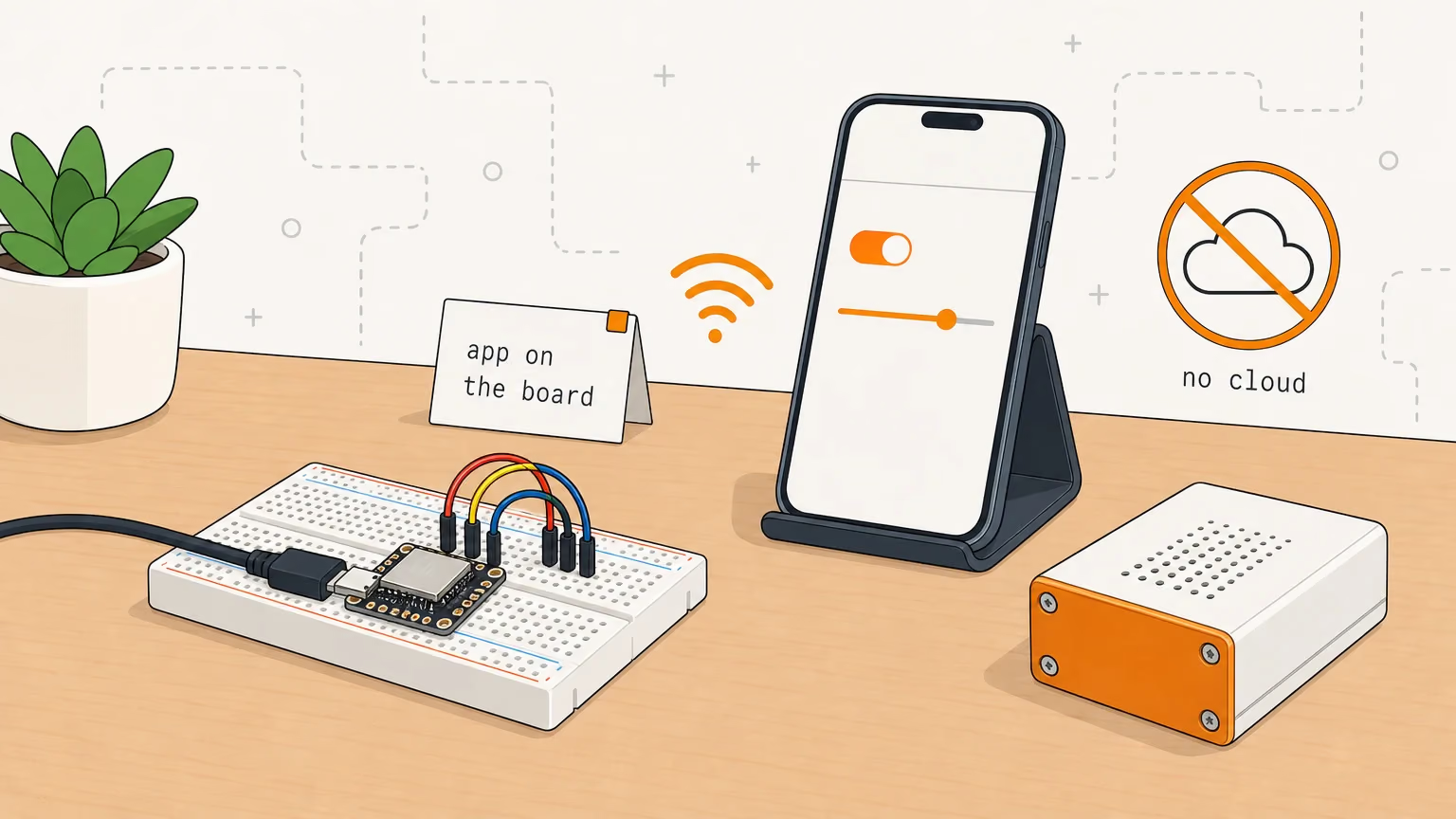
The web app is the product
Each board serves a Nuxt 4 web app. The build is nuxt generate, then gizmo-embed from gizmo-common turns the static files into gzipped C++ arrays under microcontroller/src/webui/, as the embedded web UI notes describe. The firmware serves them from the not-found handler, with hashed files cached for a year. The finished app image is one file of about 1.7 to 1.8 MB (the OTA post lists the sizes). ESPHome's documented web server has no slot for that.
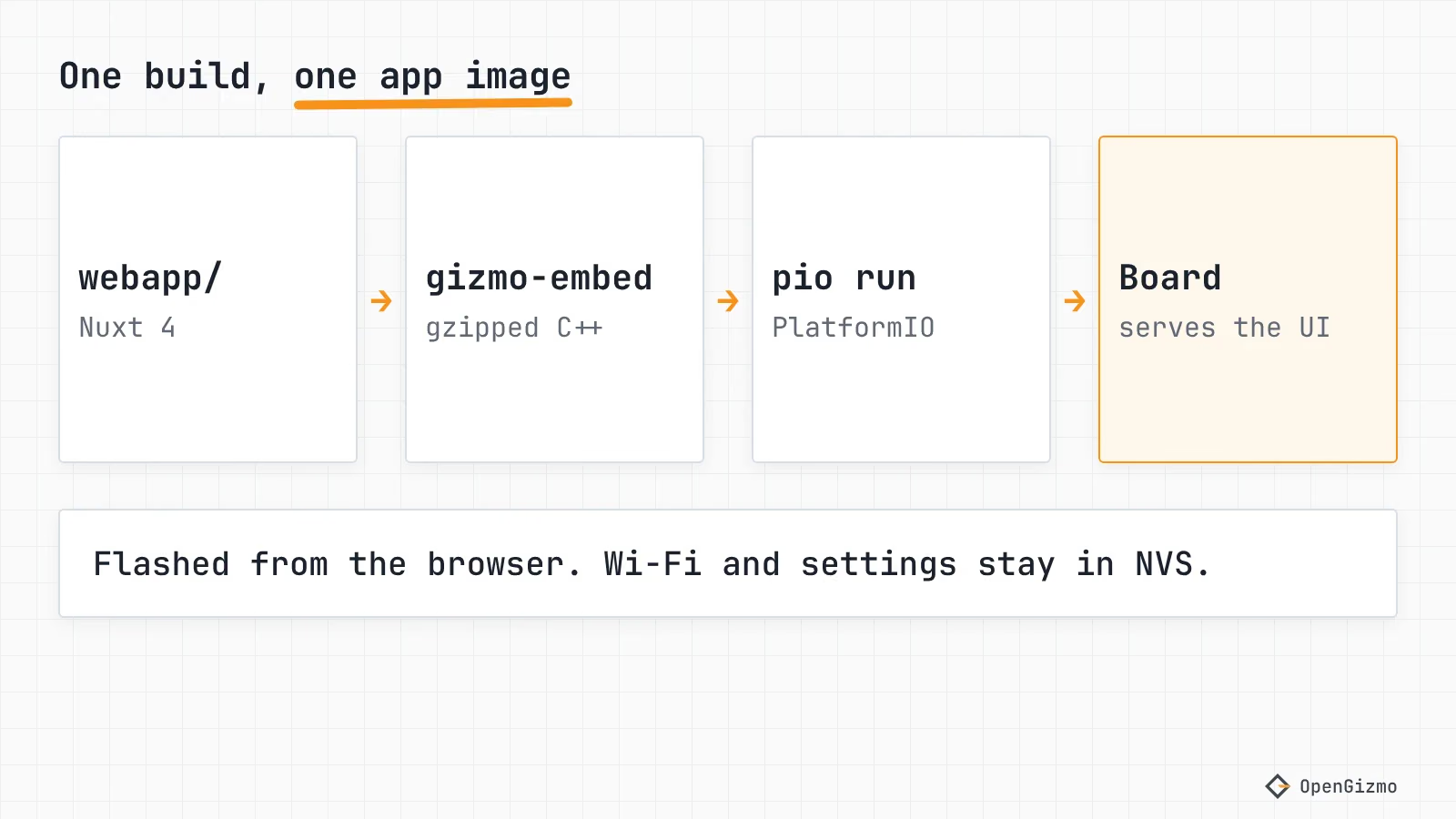
The setup flow is designed, not configured
The setup page is part of the same web app, and gizmo-common limits what the hotspot can reach to four API paths. That is the kind of detail ESPHome's fixed portal can't express. gizmo-common saves the Wi-Fi credentials in the board's NVS storage through the Arduino Preferences library. If the product had no web app of its own, the portal is the part I would hand to ESPHome first.
The Camera speaks MCP
The Gizmo Camera answers Model Context Protocol requests at /mcp, and serves a guide for agents at /llms.txt. The protocol code is mcp_protocol.cpp, 509 lines, and it is covered by native tests. It could be packaged as an ESPHome external component, but the protocol code would still have to be written, just inside a different build system.
The Reolink client has its own rules
The Reolink Switch logs in for a session token, refreshes it a minute before the NVR expires it, batches commands, and retries on a fresh connection when the NVR drops a kept one. It also calls setInsecure() because Reolink NVRs commonly present self-signed certificates, a trade-off I explain in that post. That logic is in reolink.cpp and reolink_protocol.cpp, and the second file is tested on a computer.
Add the build side: each repository pins the platform, libraries and gizmo-common tag in platformio.ini, and runs pio test -e native before every release. The Arduino IDE vs PlatformIO post shows that file.
So which one should you start with?
Start with ESPHome if Home Assistant is the front end, and I'd say so even though I don't use it for OpenGizmo: it removes the parts that are boring and easy to get wrong. Move to custom firmware when you catch yourself fighting the tool. For OpenGizmo that would be the app, the flasher and the API that the board owns.
The cost of that choice is yours to carry. I maintain a portal, a flasher, a release workflow and the protocol code, and the boards have no OTA. What I verified: the ESPHome pages linked above, as of November 2026, and the code of the three repositories. What I did not: that ESPHome can't reproduce any one of these projects, ESPHome's flash or RAM use, and its behavior with the XIAO ESP32-S3 on your hardware. Next, read the OpenGizmo overview to see the whole design, or which ESP32 to buy if you haven't chosen the board yet.
Frequently asked questions
Find quick answers to the most common questions about this topic.
Neither is better in general. ESPHome is faster when your board is a sensor, switch or display that Home Assistant controls, because you describe it in YAML. Custom firmware wins when the board must serve its own web app, run its own setup flow or speak a protocol ESPHome has no component for.

Author
Mauro BrambillaReady to build your own gizmo?
Pick an open-source ESP32 project and follow its step-by-step guide, from the parts list and wiring to the firmware and the first boot.