ESP32 MCP Server: Let Claude Code Take Photos
Run an MCP server on an ESP32-CAM and add it to Claude Code with one command. See the take_snapshot tool, the /llms.txt guide and why it must stay on your LAN.
- Author
 Mauro Brambilla
- Published
- Reading time
- 7 min
- Category
- Builds
In short
Gizmo Camera runs an MCP server on the ESP32-CAM at /mcp. One claude mcp add --transport http command gives Claude Code a take_snapshot tool. It has no login: keep it on your LAN.
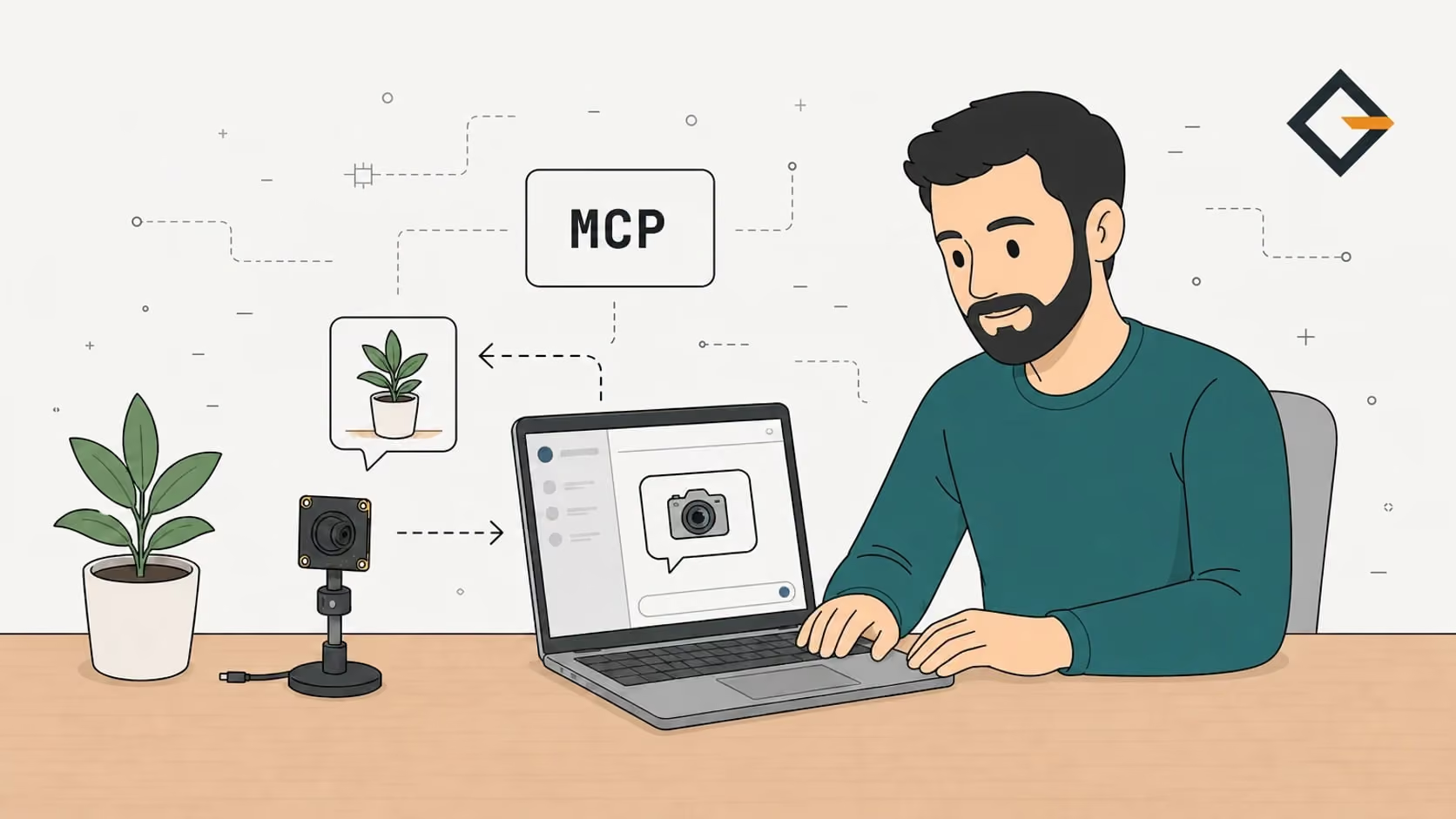
An ESP32 MCP server is a small web endpoint on the microcontroller that speaks the Model Context Protocol, so an AI agent can call the device's functions as tools. On an ESP32-CAM, the tool is take_snapshot. Add the camera to Claude Code with claude mcp add --transport http gizmo-camera http://gizmo-camera.local/mcp and the agent can look at the room.
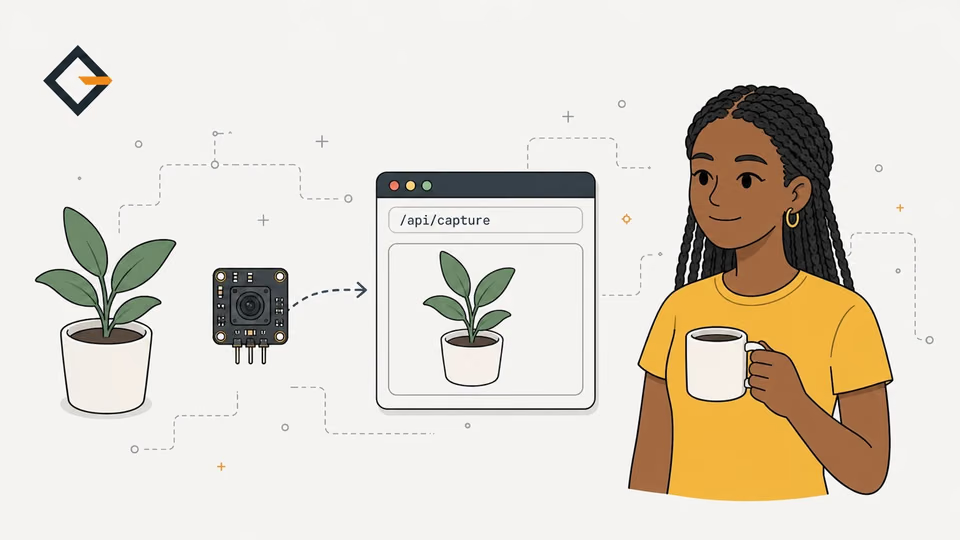
Do you want your coding agent to check the 3D printer, the plant or the door without you describing it? This post shows how the MCP server of Gizmo Camera works, how to connect it, and where its limits are. Everything comes from the project's source and README and from the Claude Code and MCP documentation linked inline. It covers Claude Code only, because that is the client whose command I could check against its documentation.
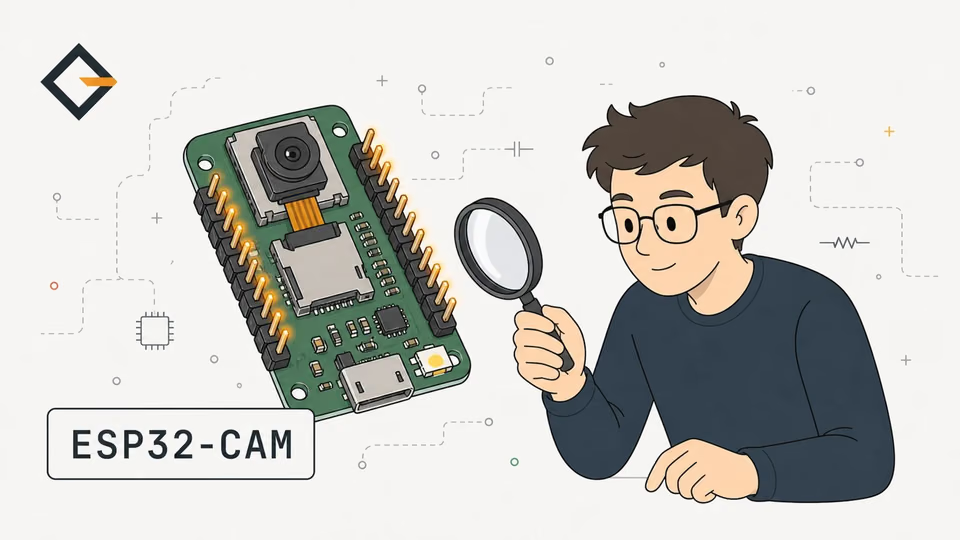
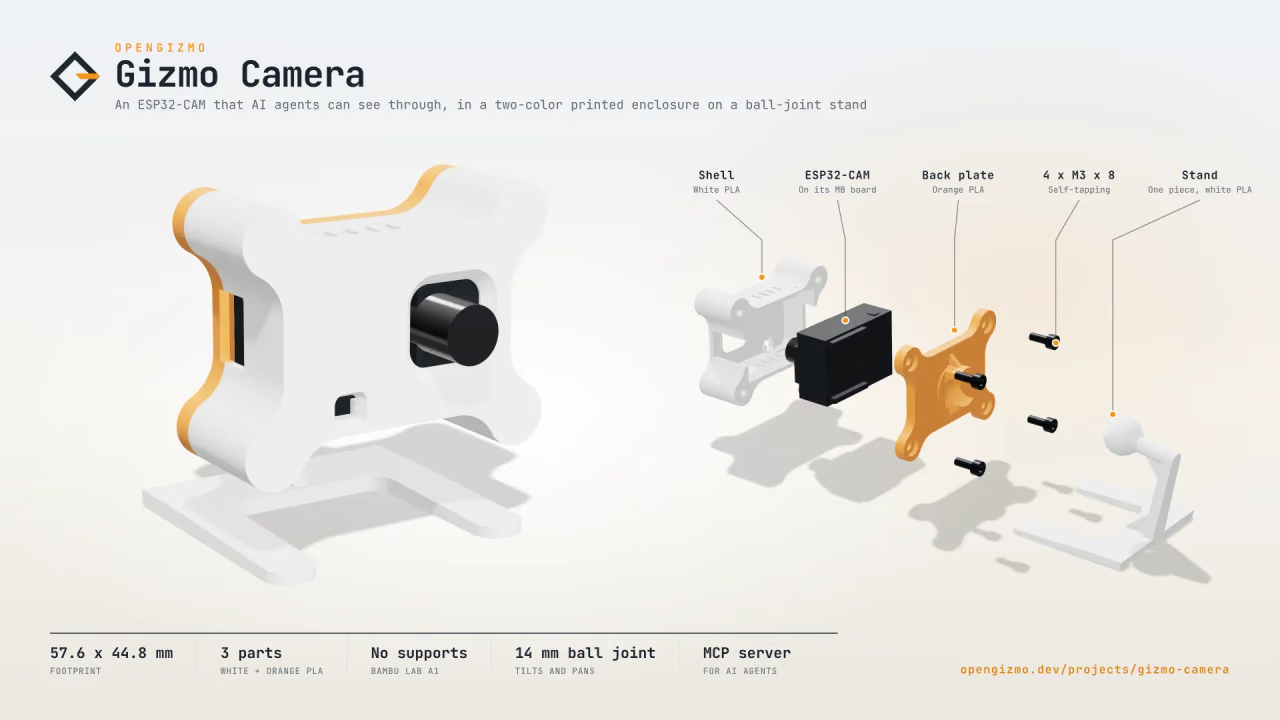
An ESP32-CAM Wi-Fi camera that takes a JPEG snapshot on every request, with a web app to set it up from your phone and an MCP server for AI agents.
- JPEG snapshots up to 1600 × 1200
- Simple HTTP API
- MCP server for AI agents
One thing first, because it affects what you can flash today. As of November 14, 2026, the MCP server is on the feature branch of the gizmo-camera repository, and the released v1.0.0 firmware (the one the website flashes) was tagged before it was added. To use it now, build the firmware from source or try the no-hardware option described below.
What does it mean to give an AI agent a camera?
MCP (Model Context Protocol) is, in its own words, an open-source standard for connecting AI applications to external systems. A server lists tools with a name and an input schema, and the agent decides when to call them. The camera is one such system: the agent asks, the ESP32 takes a new JPEG, and the image comes back inside the tool result for the model to look at.
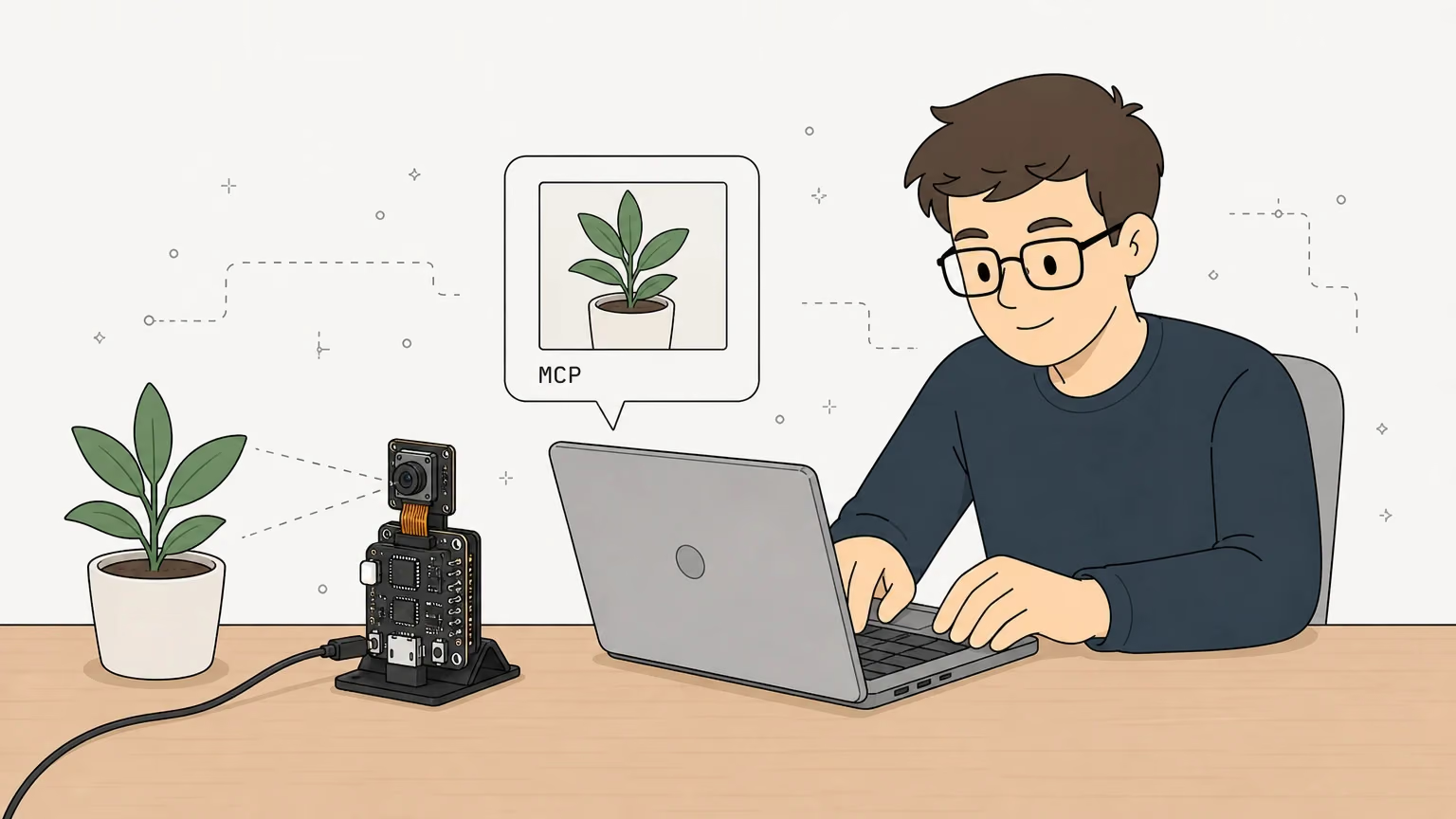
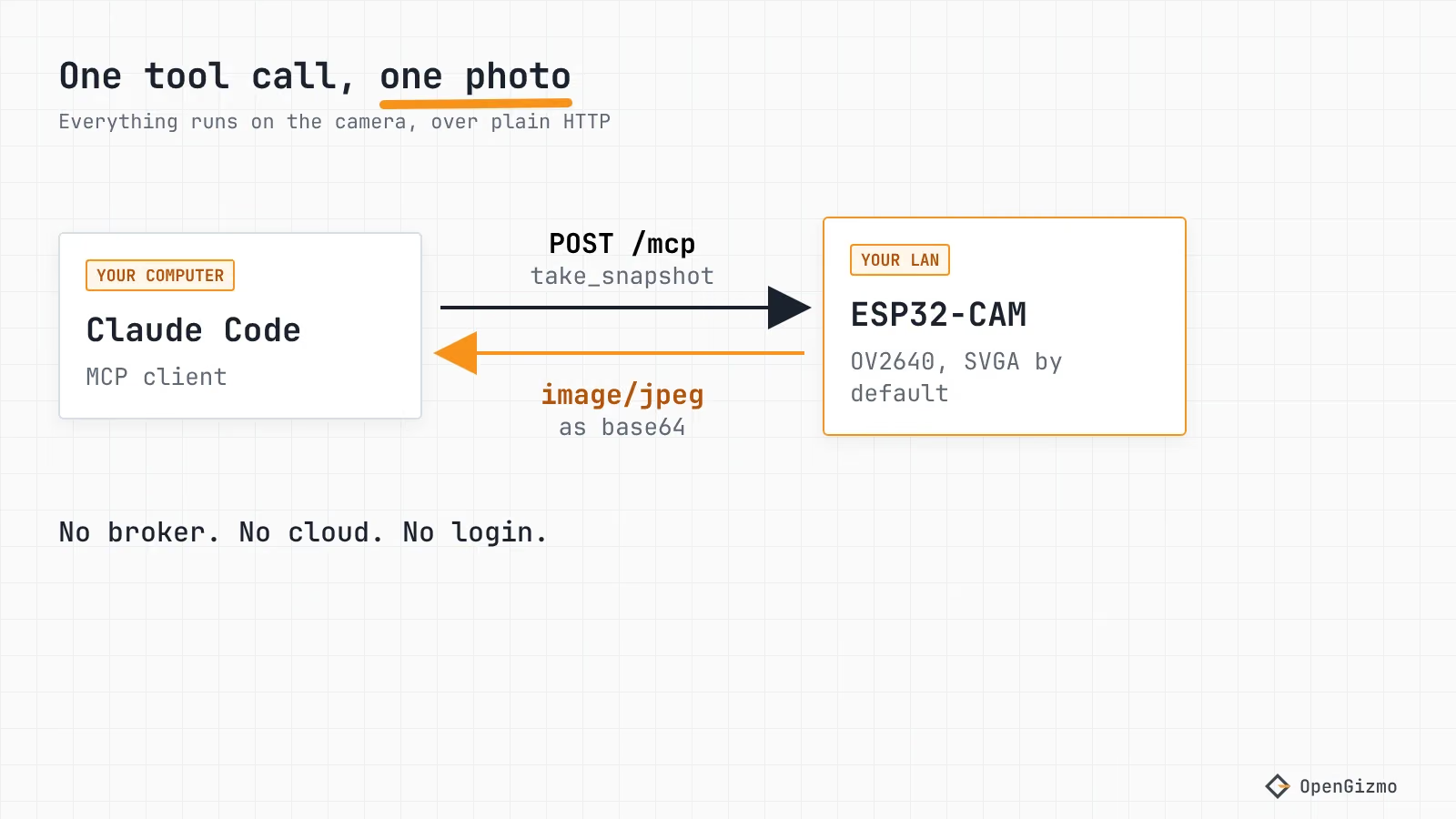
Nothing is streamed. Each call is one photo, taken when it is asked for, a few hundred milliseconds later according to the tool's own description. That fits the ESP32-CAM well, and it uses the same capture as the plain snapshot URL, which defaults to the largest size instead of SVGA.
Where should the MCP server run?
There are three places to put it. Gizmo Camera uses the first, so the comparison is about design, not benchmarks.
| Architecture | Where the MCP server runs | What you need besides the ESP32 |
|---|---|---|
| On the device (Gizmo Camera) | On the ESP32, over HTTP at /mcp | Nothing: the agent connects straight to the camera |
| Host-side bridge (a common design, not used here) | On a computer that talks to the ESP32 over serial or HTTP | A computer that stays on and runs the bridge |
| MCP over MQTT | On the ESP32, with MQTT as the transport | An MQTT broker and a cloud-side client |
The third row is how EMQX describes it in its ESP32 and MCP over MQTT article: a cloud-side MCP client and an LLM talk to the ESP32 through the EMQX broker. That is useful when the device sits behind a firewall and must be reachable from anywhere. For a camera on your desk, the device-side HTTP server is simpler, and the trade is that only machines on the same network can reach it.
How does the MCP server on Gizmo Camera work?
The endpoint is POST /mcp, using the Streamable HTTP transport. The MCP transport specification lets a server answer either with an event stream or with one JSON object. The camera always picks the JSON object, so it never keeps a stream open. A GET or DELETE on /mcp gets 405, which the specification allows for servers that offer no stream, as the README describes.
The firmware is in microcontroller/src/mcp/ of the repository (mcp_protocol.cpp for the protocol, agent_guide.cpp for the guide), and the libraries come from the pins in platformio.ini: ESPAsyncWebServer 3.12.1, AsyncTCP 3.5.0 and ArduinoJson 7.2.2. The README says the server speaks the 2026-07-28 revision of MCP and the earlier ones that open with initialize (2025-11-25, 2025-06-18, 2025-03-26), which most clients still use. The protocol code is hardware-free, so it has native tests you can run with pio test -e native.
What tools does the camera offer?
Two tools, both marked read-only in their annotations:
| Tool | Arguments | Returns |
|---|---|---|
| take_snapshot | resolution (QQVGA to UXGA, default SVGA 800x600), quality (4 to 63, default 10), flash (true or false) | A text line with size and capture time, then the JPEG as an image |
| get_camera_info | None | Sensor, resolutions, quality range, flash, firmware version, as structured content and as JSON text |
The resolution list is cut at what the sensor can do: the OV2640 tops out at UXGA (1600 x 1200). Wrong values do not crash anything: an unknown resolution or a quality outside 4 to 63 comes back as a tool error with a readable message, so the agent can fix its call. The camera takes one snapshot at a time; a call that arrives during another gets an error telling the agent to wait and try again.
The default for agents is SVGA, and the server's own instructions say why: SVGA is enough to understand a scene, while UXGA is slower and costs more tokens. The README adds that the base64 encoding makes the photo about a third bigger on the wire, which costs Wi-Fi time rather than tokens, and that the bigger lever is the resolution. I have not measured token costs myself.
How do you add it to Claude Code in one command?
You need the camera running a firmware that includes the MCP server, on the same network as the computer where Claude Code runs. Then, according to the Claude Code MCP documentation (read November 2026), the syntax for an HTTP server is claude mcp add --transport http <name> <url>:
claude mcp add --transport http gizmo-camera http://gizmo-camera.local/mcpclaude mcp listThe claude mcp list check lists every configured server, and inside a Claude Code session the /mcp command shows each server's status. By default the server is added in the local scope, meaning this project only, and the documentation lists --scope user for all your projects and --scope project for a shared .mcp.json. The command only saves the configuration, so a typo in the URL shows up as a failed connection in claude mcp list or /mcp, not when you press Enter.
If gizmo-camera.local does not resolve on your computer, use the camera's IP address in the URL instead. The reasons are in the .local hostname guide. The camera page of the web app also shows the exact address and command, built from the address your browser used.
Okay, now ask something that needs eyes: "Take a snapshot and tell me what's on the desk." Claude Code should call take_snapshot and describe the image. If it replies that the sensor did not start, that is the camera's tool error, and the usual cause is the ribbon cable, as the ESP32-CAM-MB guide explains.
No board yet? Use the dev server
The web app has a mock device that answers like the firmware, with a PNG test card in place of the photo. From webapp/ run npm run dev, then add it:
claude mcp add --transport http gizmo-camera-dev http://localhost:3000/mcpThat is the command from the README. It tests your agent's workflow, not the camera.
What does /llms.txt do for an agent?
The llms.txt proposal suggests that websites add a /llms.txt Markdown file with LLM-friendly content. The camera does it for a device: GET /llms.txt returns a short guide with the MCP address, the tools and their arguments, the plain HTTP API and a few tips. The text of the guide is in agent_guide.cpp, and the firmware replaces a {host} marker with the address the agent used to reach the camera, so the commands in it work as printed.
The same guide is returned at / to clients whose Accept header lists text/markdown before text/html, and the web app's pages link to it with a rel="alternate" Markdown link. Browsers still get the web app. This is useful for an agent that only has a URL: it can read the guide first, then decide between MCP and the plain /api/capture request.
Is it safe? No login, LAN only
No, not in the sense of authentication. The camera has none: the web app, the API and the MCP server answer anyone who can reach them. The README says so plainly, and so does the agent guide.
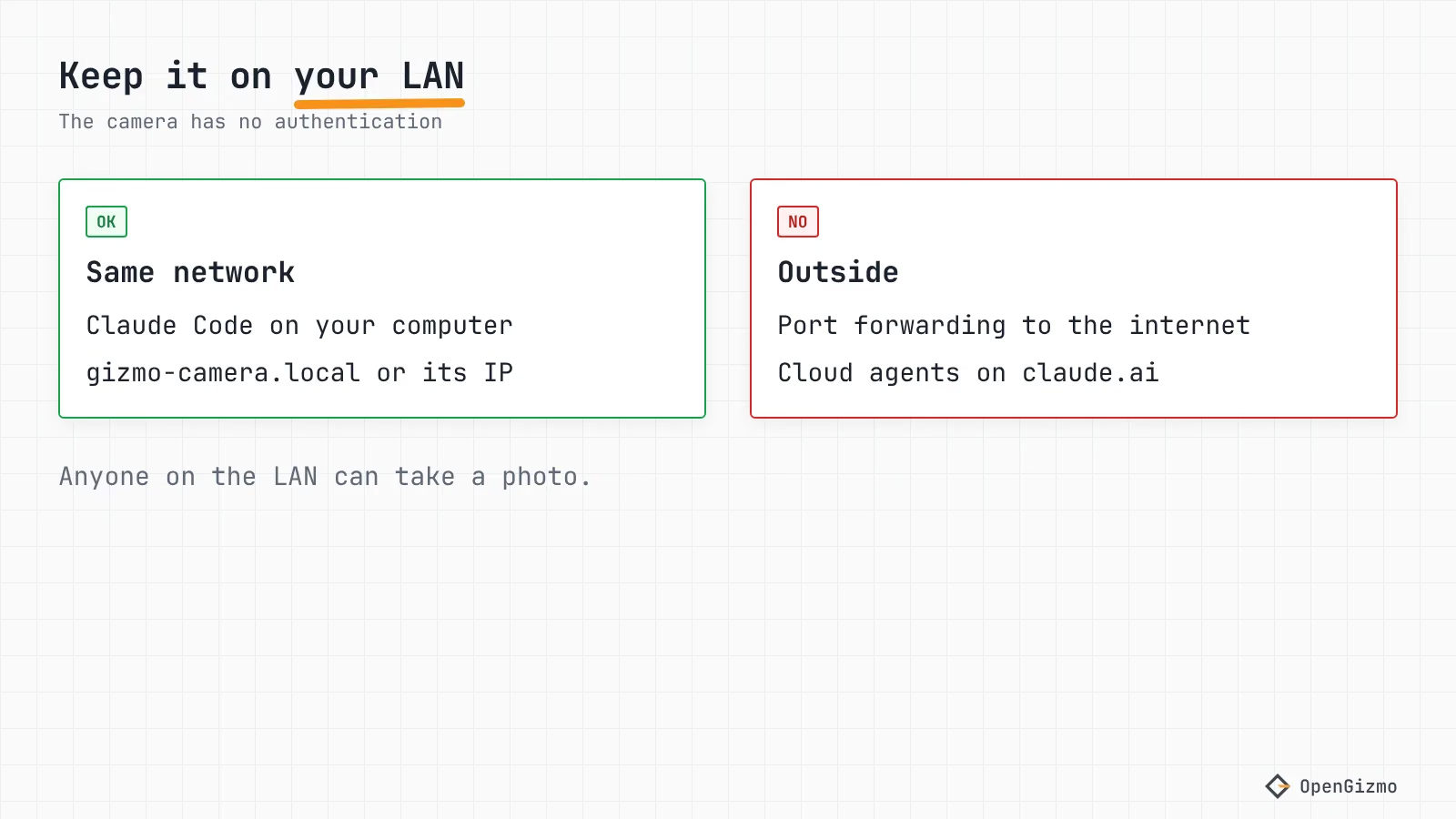
The firmware adds some protection. The MCP endpoint only answers on the camera's own name or address and refuses other websites by Origin, which blocks DNS rebinding. The MCP specification asks servers to do this, in its security warning, and also says servers should implement proper authentication. The camera does the first and not the second. A browser tab on another site cannot use it, but a script on your network can.
What that means in practice:
- Do not forward the camera's port on your router
- Do not put the camera on a guest network shared with people you don't trust
- Do not point it at anything you would not want a visitor on your Wi-Fi to see
There is a second consequence. The README notes that agents in the cloud, such as connectors added on claude.ai, cannot reach a camera on your home network. That is the price of the LAN-only design, and for this project I consider it the right one.
What to remember
Gizmo Camera is an MCP server running on an ESP32-CAM: POST /mcp, JSON replies, two read-only tools, and a Markdown guide at /llms.txt. In Claude Code it takes one command, claude mcp add --transport http gizmo-camera http://gizmo-camera.local/mcp, confirmed against the current documentation. Agents get SVGA by default, and a wrong argument comes back as an error they can read.
The limits: the camera has no authentication, so it belongs on a trusted LAN. The MCP server is not in the released v1.0.0 firmware as of November 14, 2026, and only Claude Code is covered here. If the board resets while you test, the brownout guide covers the usual power causes. For the plain-HTTP route, see the snapshot URL guide, and for the whole family, What is OpenGizmo?
Frequently asked questions
Find quick answers to the most common questions about this topic.
Yes. The ESP32-CAM in Gizmo Camera answers MCP requests itself at /mcp over Streamable HTTP, using ESPAsyncWebServer and ArduinoJson. Every reply is plain JSON, with no event streams and no sessions, so a small chip can handle it without a broker or a bridge computer.

Author
Mauro BrambillaReady to build your own gizmo?
Pick an open-source ESP32 project and follow its step-by-step guide, from the parts list and wiring to the firmware and the first boot.