ESP32 Captive Portal Not Working? Fix the Wi-Fi Popup
Why the ESP32 captive portal popup doesn't open on Android, iPhone or Windows: DNS, probe URLs, 302 redirects and the checks that fix it, with working code.
- Author
 Mauro Brambilla
- Published
- Reading time
- 8 min
- Category
- Troubleshooting
In short
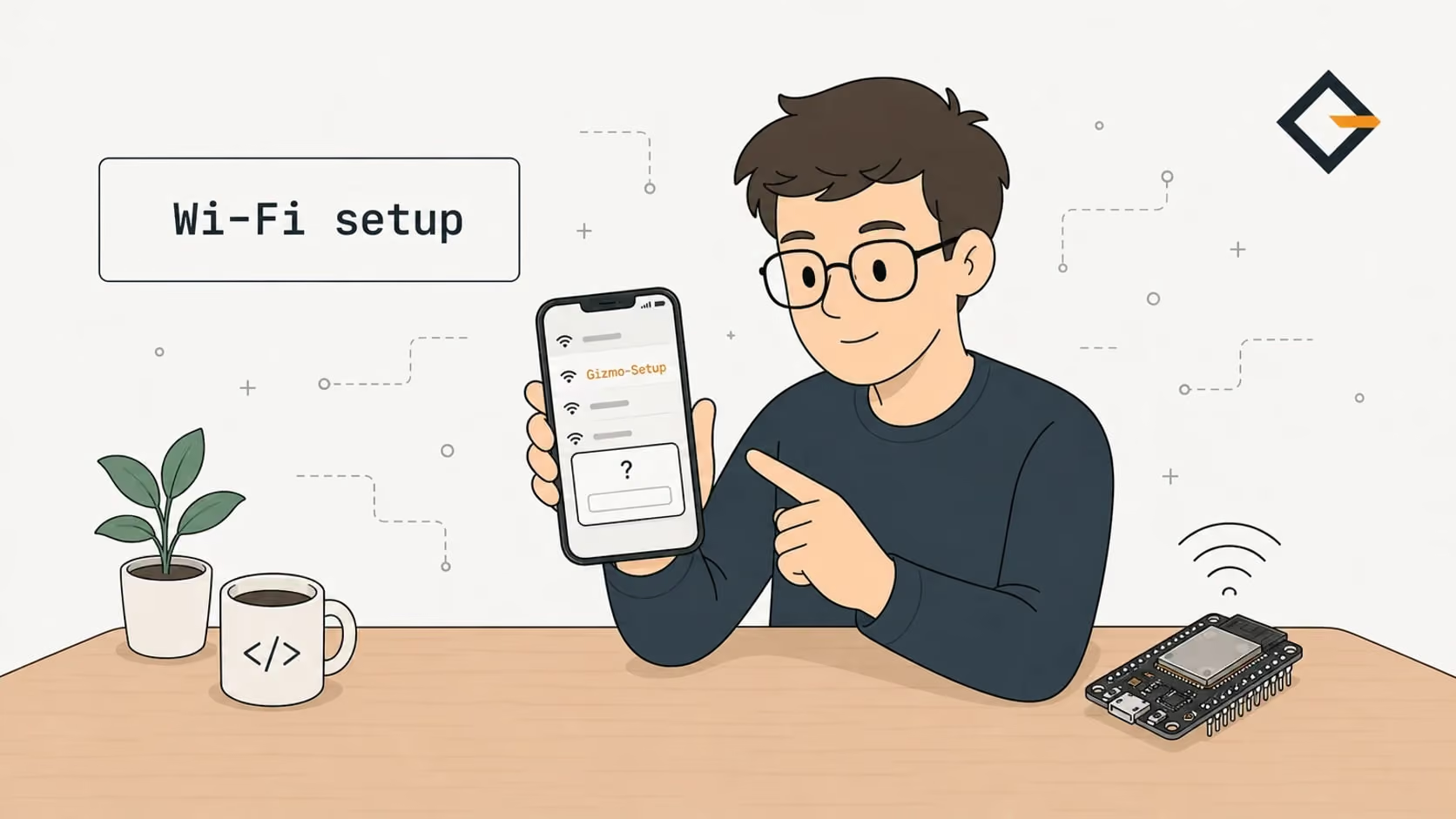
An ESP32 captive portal needs two things: DNS that answers every name with the board's IP, and an HTTP redirect for the phone's probe URL. If the popup doesn't open, check those two first.
An ESP32 captive portal doesn't open when the phone's connectivity check gets a normal-looking answer instead of a redirect. The board needs a DNS server that answers every name with its own IP, and a web server that redirects the probe request to the setup page. Without both, Android, iOS and Windows think the network is fine and show nothing.
This guide follows what the gizmo-common library really does, because every OpenGizmo device (the Gizmo Ticker, the Gizmo Reolink Switch and the Gizmo Camera) opens its first Wi-Fi setup this way. I read its source and the Android, Apple, Microsoft and Arduino-ESP32 sources linked below, and I flag what I could not verify. Is your board refusing to show the popup right now? Jump to the checklist further down and come back for the why.
How does an ESP32 captive portal work?
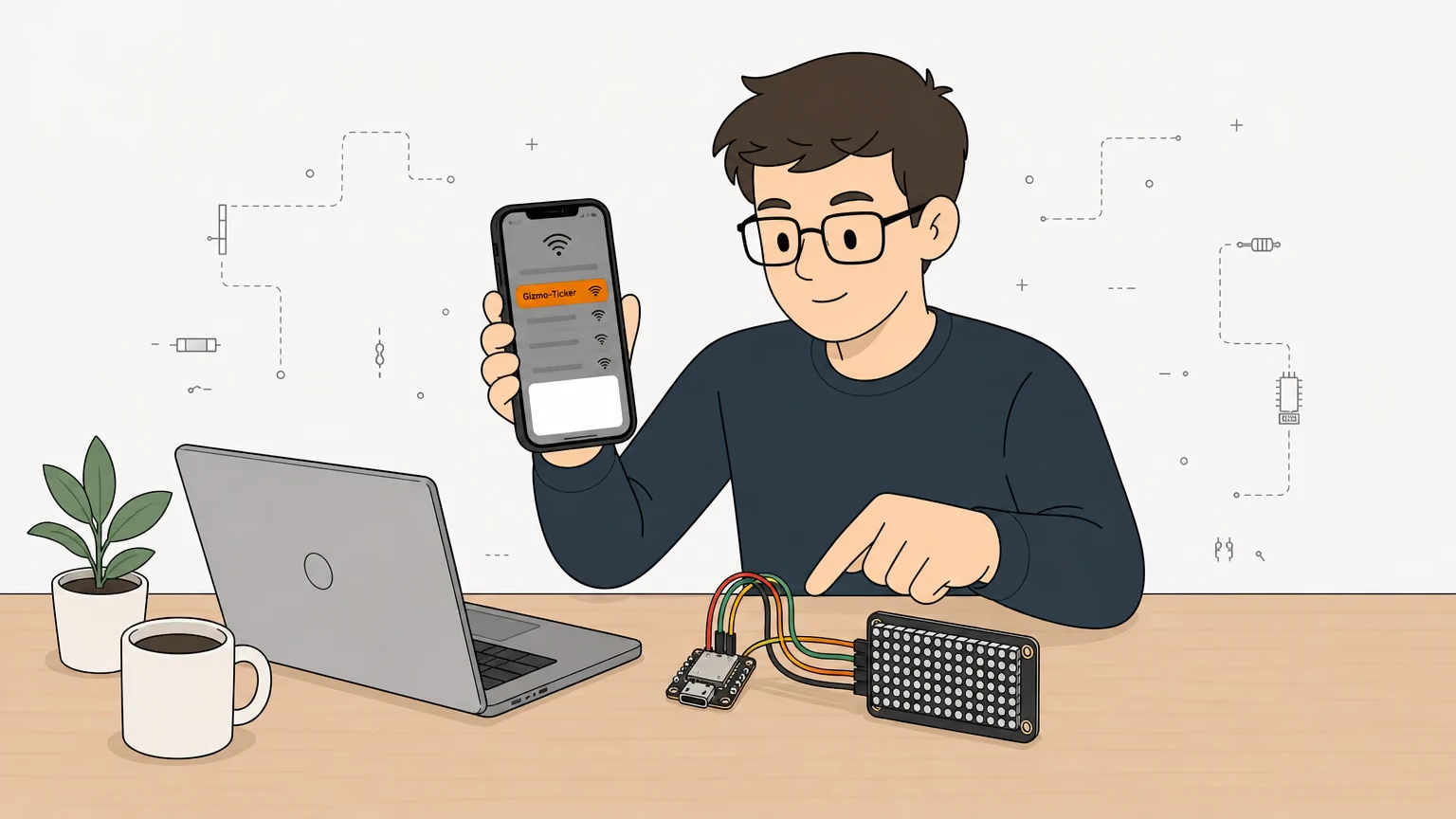
A captive portal is a web page that a phone opens by itself when it joins a Wi-Fi network that has no Internet access until you sign in. A hotel does this. An ESP32 can do the same trick for its own setup page, with no cloud involved. The sequence is short:
- The ESP32 starts an access point (a hotspot) and a DNS server on port 53.
- The phone joins the hotspot and sends a probe: a DNS lookup and then an HTTP request for a known address.
- The DNS server answers with the ESP32's IP, whatever name was asked.
- The web server answers the probe with a redirect to the setup page.
- The phone sees that the answer isn't the one it expects, and opens a sign-in window on the setup page.
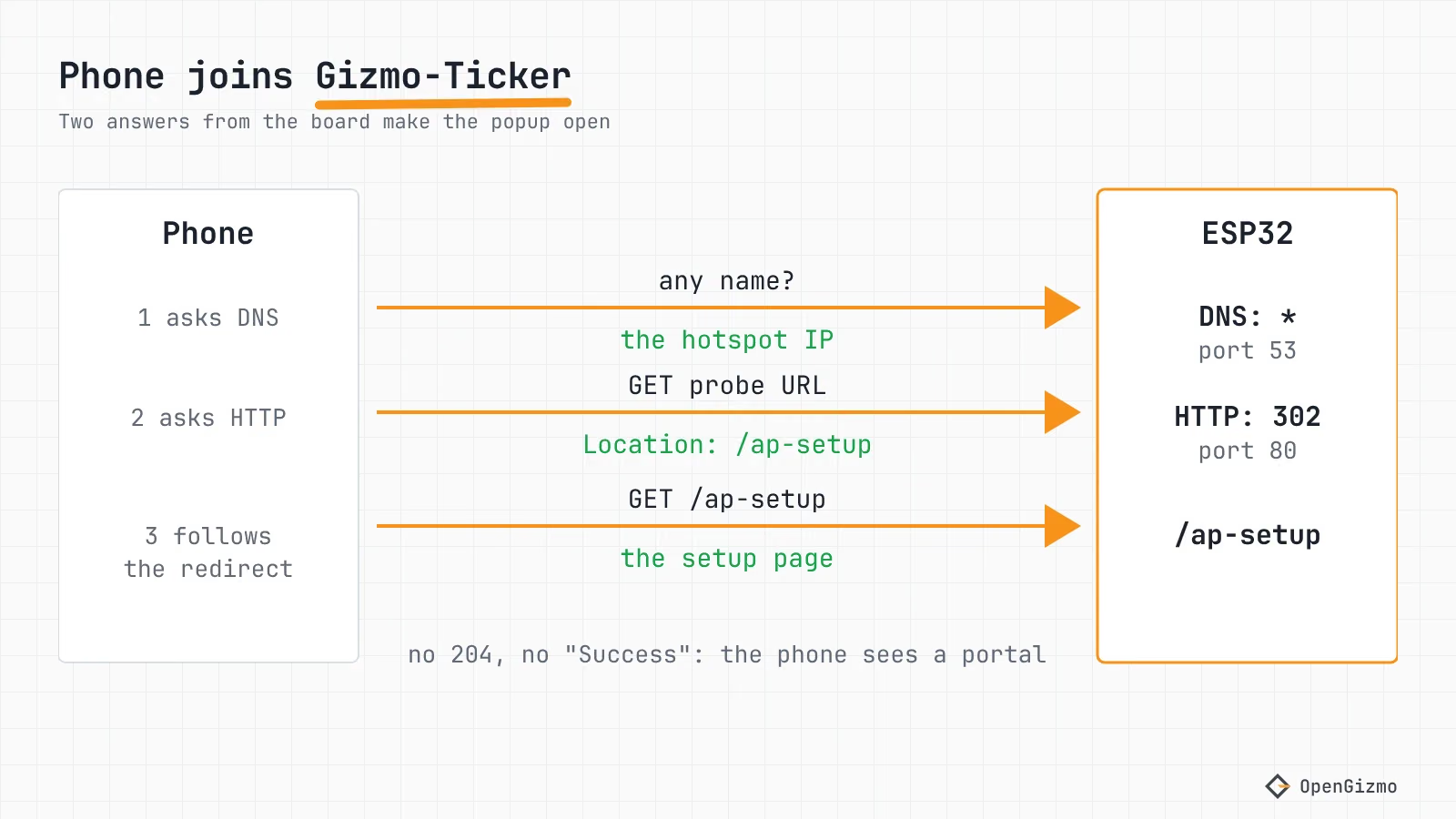
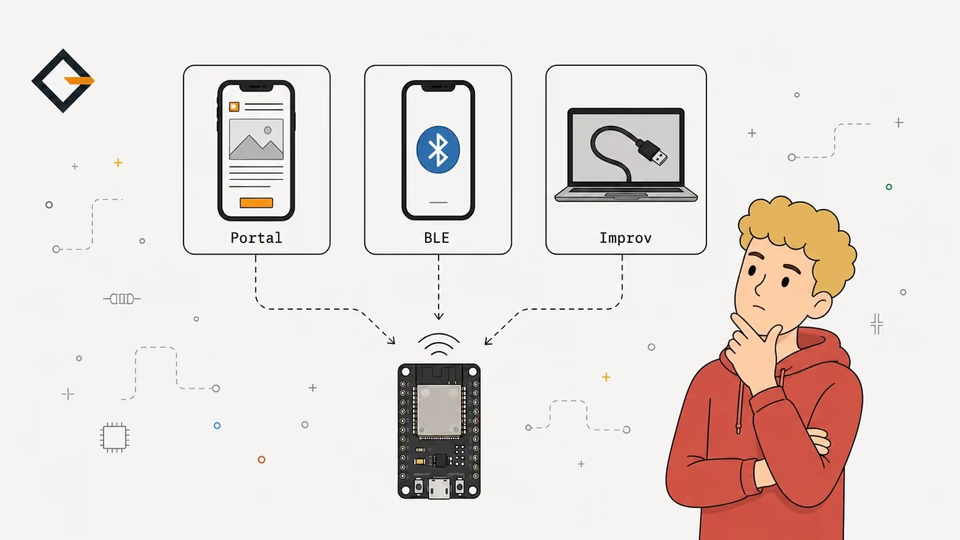
The popup is the phone's decision, not yours. You can't push a page to it: you can only give the probe an answer that makes the phone say "this needs a sign-in". For the other ways to give a board its Wi-Fi, see ESP32 Wi-Fi Provisioning: Captive Portal, BLE, Improv.
Which URLs do Android, iPhone and Windows request?
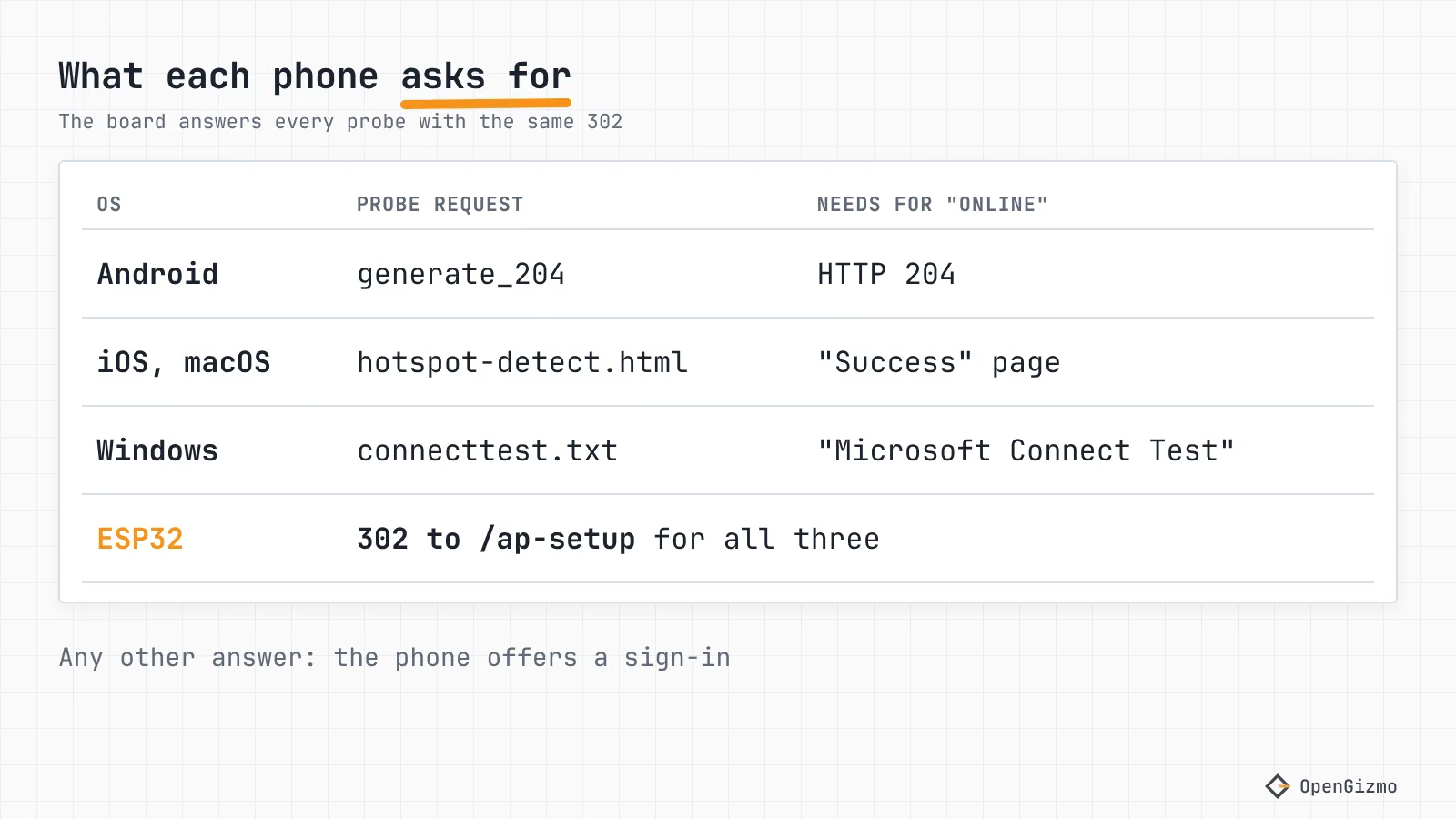
Each operating system has its own probe, and each treats a different answer as "online". Everything else is a captive portal in their eyes.
| OS | Probe request (default) | Answer that means online | Source |
|---|---|---|---|
| Android | http://connectivitycheck.gstatic.com/generate_204 | HTTP 204 | AOSP NetworkStack config |
| Windows 10 1607 and later, 11 | http://www.msftconnecttest.com/connecttest.txt | 200 with Microsoft Connect Test | Microsoft Learn, NCSI FAQ |
| iOS and macOS | http://captive.apple.com/hotspot-detect.html | A page with Success | Host in Apple docs, path and page from community reports |
Android's defaults are in the AOSP NetworkStack resource file: the HTTP probe is http://connectivitycheck.gstatic.com/generate_204, with an HTTPS one at https://www.google.com/generate_204 and two fallbacks. In the same project's NetworkMonitor.java, a 200 answer with a body of 4 bytes or less is deliberately not treated as a portal, and a portal answer without a Location header makes Android 12 and later use the probe URL as the sign-in page (the code checks for SdkLevel.isAtLeastS()). Handset makers can override these URLs, so treat the table as the stock behavior.
Microsoft documents its side in the NCSI FAQ: since Windows 10 build 14393 the probe is www.msftconnecttest.com/connecttest.txt, and a 200 whose body lacks the expected text, or a 302 or 304, is reported as a hotspot that needs a sign-in.
For Apple, the only primary source I found is the Apple Support list of hosts for enterprise networks, which names captive.apple.com as used for "Internet connectivity validation for networks that use captive portals". The /hotspot-detect.html path and the Success page come from community write-ups, so treat them as widely reported, not as an Apple specification. An Apple engineer also confirms, in a developer forum reply, that macOS keeps a captive network off the default route until it thinks the portal is dealt with.
What does gizmo-common answer?
The library is small enough to read. When there is no saved network, or a connection attempt fails, it starts an open hotspot and a DNS server in startAccessPoint() of wifi_setup.cpp:
accessPointEnabled = WiFi.softAP(setupOptions.accessPointName);
// Answer every DNS name with the hotspot address, so phones open the setup page
dnsServer->start(DNS_PORT, "*", WiFi.softAPIP());DNS_PORT is 53 and the "*" means "every name". In the Arduino-ESP32 DNSServer source, an empty or wildcard domain matches everything, A and ANY queries get the IP, and other types such as AAAA get an empty answer. That is the current master branch: I did not check the older core that PlatformIO's espressif32 @ 8.0.0 pins.
The HTTP half is handleCaptivePortalRequest(), called first in the web server's not-found handler. It only touches GET and HEAD requests that arrive through the hotspot, never the setup page, /api/ or the web app's own files, and sends everything else to the setup page:
// Send everything else to the setup page
request->redirect(setupOptions.setupPagePath);The setup page is /ap-setup in all three projects. In ESPAsyncWebServer 3.12.1, the version the ticker pins in its platformio.ini, redirect() defaults to a 302 status. So the probe from the table above gets a 302 and a Location header. Android sees a portal instead of a 204, Windows sees a 302 instead of its text file, and Apple's check should see no Success page. That is the whole trick: no special /generate_204 route, one catch-all.
Two details help later. Requests from the normal Wi-Fi network are never redirected, because the check compares the client's local IP with the hotspot's. And through the hotspot only four API paths answer (/api/networks, /api/connect, /api/check-connection, /api/device): the Wi-Fi setup and the device details, nothing else, because anyone nearby can join the open hotspot. For the whole flow in a finished device, see how the Reolink Switch is built and the OpenGizmo overview.
Checklist: the popup doesn't appear
Change one thing at a time and test after each step.
1. Is the hotspot there at all?
The hotspot only opens when no network is saved, or the saved one fails to connect (the connection attempt times out at 12.5 seconds, per WIFI_CONNECT_TIMEOUT). While a saved network is working, there is no hotspot and no portal. Build the debug environment (pio run -e debug -t upload, then pio device monitor) and look for Access point ready on http://.... Release firmware doesn't log.
If you flashed the board from the browser, ESP Web Tools: Flash an ESP32 From Your Browser explains the release builds.
2. Did the phone really join the hotspot?
Many phones prefer mobile data when a Wi-Fi network has no Internet, and some ask whether to stay connected. Stay connected, or switch mobile data off for the test. On some phones the sign-in prompt may come as a notification instead of a window, so look in the notification shade before assuming nothing happened. I could not find a primary source for how each phone maker words or places it.
3. Open any http:// address by hand
The gizmo-common README gives the same advice: while connected to the hotspot, open any http:// address in the browser and you will be redirected. If this works but the popup doesn't, DNS and redirect are fine and only the phone's probe logic is in the way. Use plain HTTP: the firmware's web server listens on port 80 only (AsyncWebServer server(80) in each project), so an https:// address cannot be redirected.
4. Remove what steals the DNS lookup
A VPN or an app that forces its own DNS resolver, or a browser's secure DNS setting, can send the lookup around your wildcard DNS server, so the phone never reaches the board. I could not find a primary source for Android's Private DNS mode, so I label this a likely cause, not a measured one. Switch the VPN and Private DNS off for the setup, then turn them back on.
5. Check the status code of the probe
From a laptop on the hotspot, nslookup example.com should return the hotspot's IP, and curl -i http://connectivitycheck.gstatic.com/generate_204 should print a 302 with Location: /ap-setup (I derived this from the code and did not run it on hardware). A wrong IP points to the DNS side. A 204 means your firmware, or something else on the path, answers the probe itself, and the phone will think it's online.
6. If you write your own portal
Keep the rule from above: the DNS answers every name, and an unknown path redirects to your page. Don't send a 204 or the expected Success page from your own routes, or the phone will think it's online and hide the popup.
What about DHCP option 114 and the Captive Portal API?
RFC 8910 defines a way to tell clients about the portal, in DHCPv4 option 114 and in an IPv6 Router Advertisement option (type 37), carrying a URI. The URI points at an API described in RFC 8908, which answers application/captive+json over HTTPS with a captive flag and an optional user-portal-url. Android's NetworkMonitor already contains code for that content type, but gizmo-common doesn't send option 114, so the three OpenGizmo devices rely on the probe redirect. I have not tested the option on an ESP32.
How long does the hotspot stay on, and how do you get it back?
Once the setup page polls /api/check-connection and gets the Connected status, the firmware switches the hotspot off. If the saved network comes back on its own, the hotspot stays on for 120 seconds (ACCESS_POINT_SHUTDOWN_DELAY) and then switches off. New credentials are tried first and saved only once they connect, so a typo can't replace a working network. The saved network lives in NVS, the ESP32's flash key-value store.
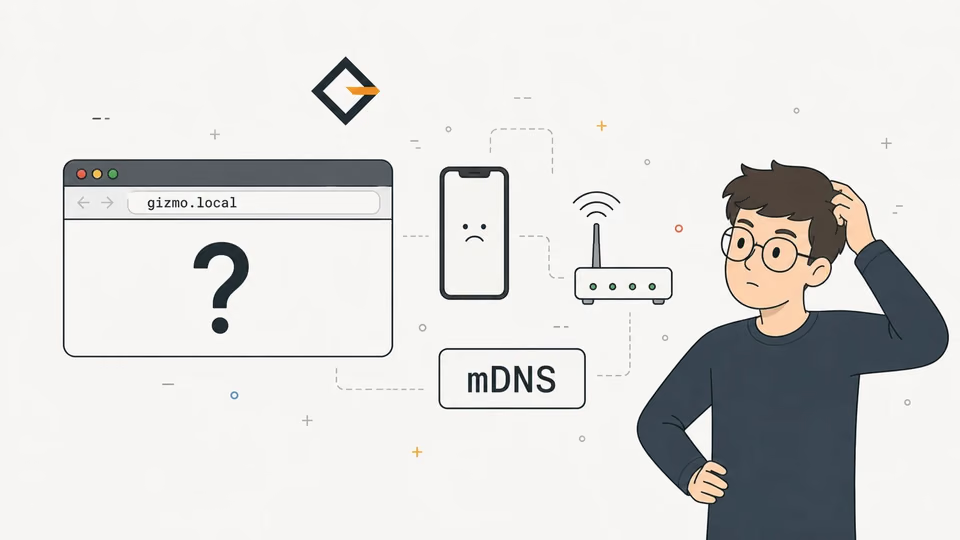
To bring the portal back, hold the XIAO ESP32-S3's BOOT button for 10 seconds while the firmware runs (this also clears the project's own settings), or press Forget network in the web app. The ESP32-CAM has no BOOT reset: its GPIO0 is also the camera clock, so use the web app. If you reach the board after joining Wi-Fi by name, mDNS may be the next problem, which ESP32 .local Not Working on Android covers.
What was verified, and the limits
The DNS wildcard, the 302 redirect, the 12.5 second timeout and the 120 second hotspot delay are read straight from gizmo-common v2.5.1 (pinned by the ticker and the Reolink Switch; the camera pins v2.4.0, which I did not read for this guide) and ESPAsyncWebServer 3.12.1; I did not capture packets from a real phone for this guide. The Android and Windows probes come from AOSP and Microsoft documentation, the Apple host from Apple Support and its path from community sources only, and phone makers or OS versions may change any of them. If the checklist didn't fix your popup, test step 3 first: it tells you whether the board or the phone is at fault. For a comparison with BLE and Improv, the provisioning methods guide is the next stop.
Frequently asked questions
Find quick answers to the most common questions about this topic.
The phone only opens the sign-in page when its connectivity probe gets something other than the expected answer. If the ESP32's DNS server doesn't answer every name with its own IP, or the web server answers the probe URL with 204 or the wrong page, the phone decides the network is fine and shows nothing.

Author
Mauro BrambillaReady to build your own gizmo?
Pick an open-source ESP32 project and follow its step-by-step guide, from the parts list and wiring to the firmware and the first boot.