What is the ESP32? A Beginner's Guide
The ESP32 is a low-cost microcontroller from Espressif that combines WiFi, Bluetooth, GPIO, and enough processing power to build practical connected devices.

In short
The ESP32 is a small and affordable microcontroller platform that makes it easy to build connected devices with sensors, displays, buttons, and wireless communication.
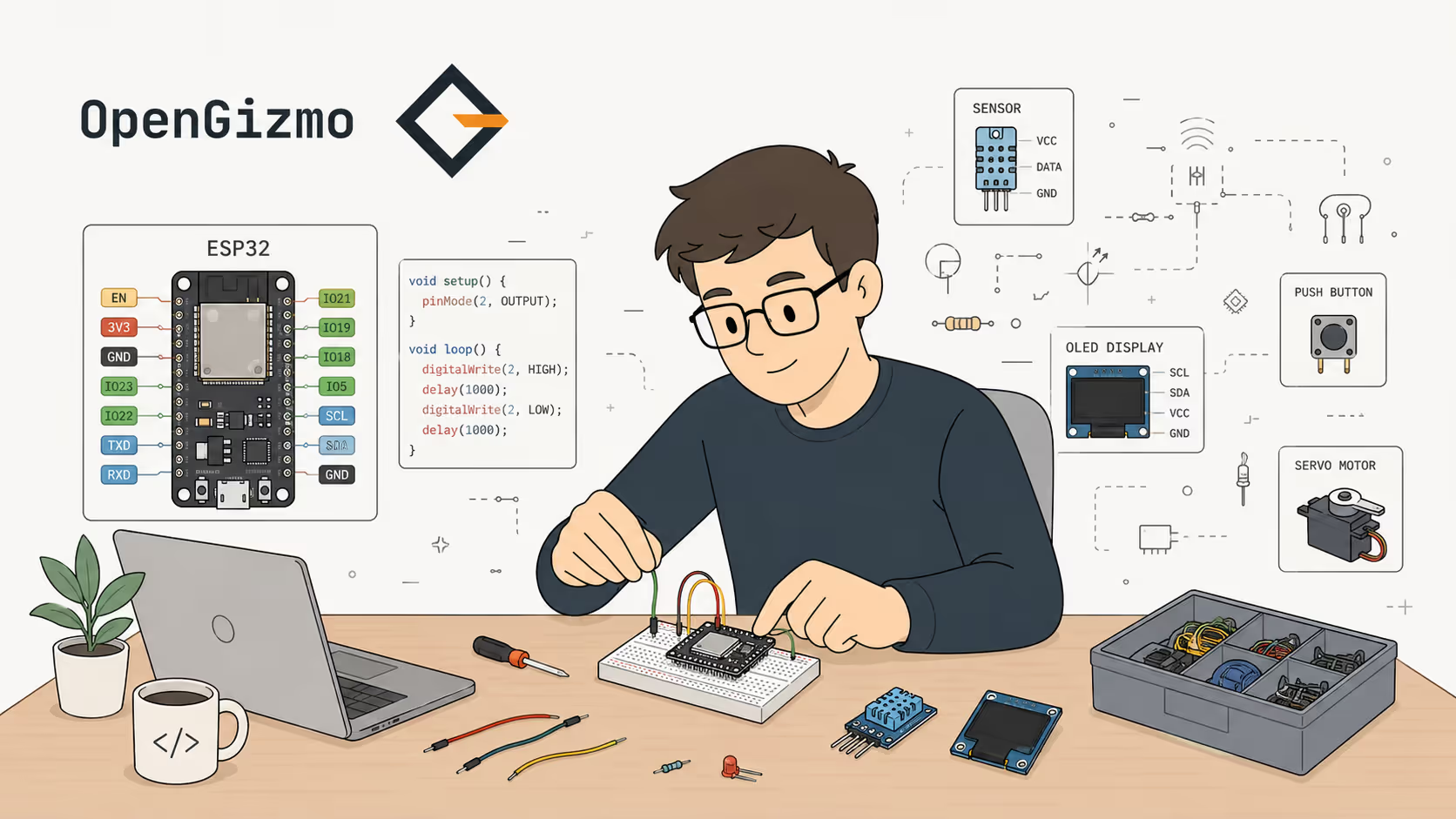
The ESP32 is a low-cost microcontroller built for connected hardware. It gives you processing power, GPIO pins, WiFi, and Bluetooth in one small platform, which is why it shows up in so many modern maker projects.
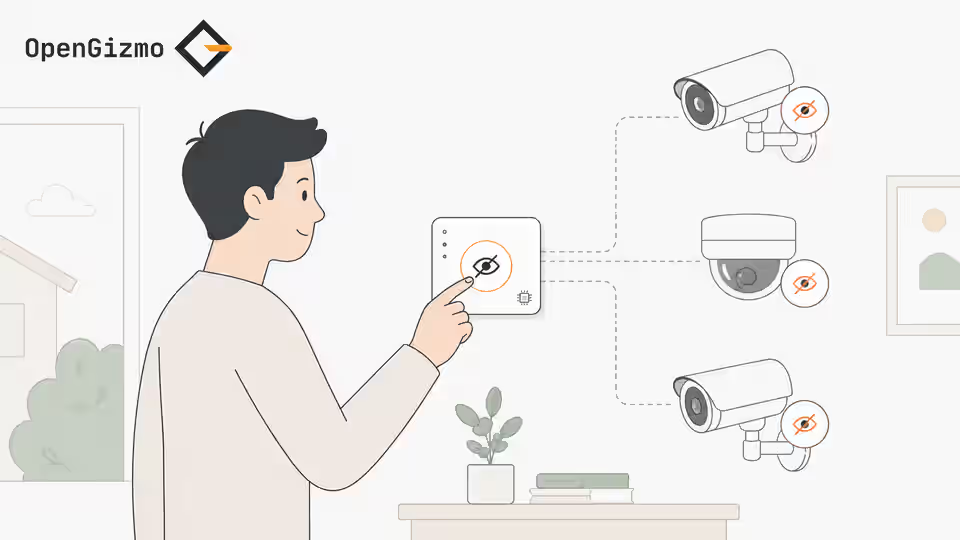
If you have seen projects like Gizmo Ticker, Gizmo Reolink Switch, or the broader explanation in What is OpenGizmo?, you have already seen the kind of practical device the ESP32 is good at powering.
- Built-in WiFi and Bluetooth for connected projects
- Enough GPIO to work with buttons, sensors, relays, displays, and buzzers
- Affordable boards and broad support from PlatformIO, Arduino, and ESP-IDF
- Good fit for practical gadgets instead of single-purpose demo sketches
What Is the ESP32, Exactly?
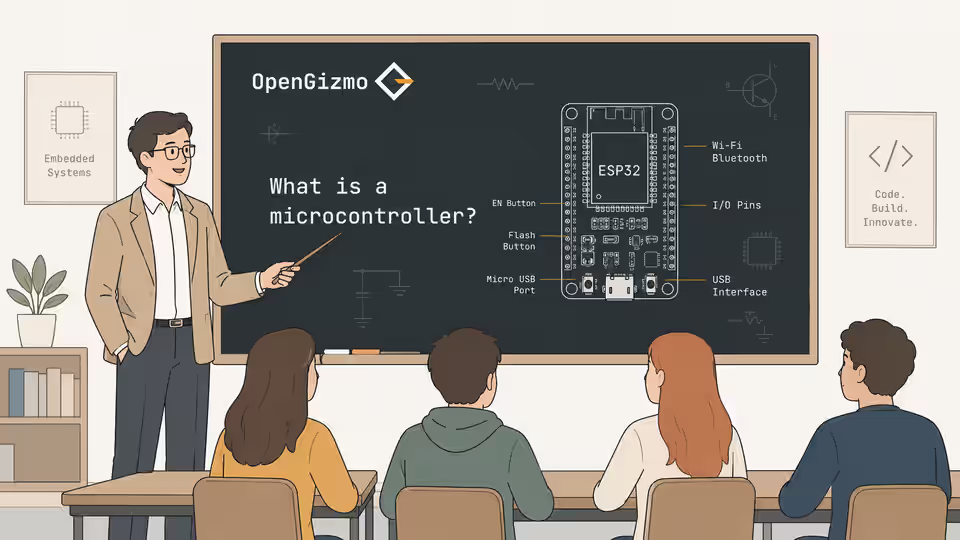
At its core, the ESP32 is a microcontroller family from Espressif. A microcontroller is a small computer designed to control hardware directly, not a full desktop-style system meant to run big applications.
What makes the ESP32 stand out is that it combines the usual embedded pieces with wireless connectivity on the same platform. That means you do not need a separate WiFi shield or Bluetooth module for many projects.
In practice, that changes the type of project you can build with very little hardware. A board can read a sensor, update a display, expose a local setup page, connect to your router, and send or receive data without needing a stack of add-on modules.
That is a big reason the ESP32 became a default choice for modern maker hardware. It is not just that the chip is technically capable. It is that the whole development experience lines up well with the kind of connected gadget people actually want to build.
| Part | Why it matters |
|---|---|
| CPU | Runs the firmware logic that reads inputs, drives outputs, and handles device behavior |
| GPIO pins | Connects the board to sensors, displays, LEDs, buttons, relays, and other hardware |
| WiFi | Lets the device connect to local networks, APIs, dashboards, and setup portals |
| Bluetooth | Useful for pairing, short-range communication, and some local device workflows |
What Makes the ESP32 Different from Older Hobby Boards
For a long time, many beginner hardware projects were built around boards that were easy to understand but limited once networking entered the picture. As soon as a project needed WiFi, remote control, or over-the-air behavior, the setup often became more awkward.
The ESP32 changed that by making connectivity a normal part of the board instead of an advanced extra. You can treat internet access, mobile pairing, or local wireless setup as part of the base design instead of as a separate engineering problem.
That shift matters because real devices rarely live in isolation. A useful gadget often needs to read something, react to something, show something, and communicate with something else. The ESP32 is popular because it supports that full loop unusually well for its price.
Why Did the ESP32 Become So Popular?
The ESP32 sits in a very useful middle ground. It is cheap enough for hobby projects, but capable enough to move beyond toy examples.
That combination is why it is common in displays, automation tools, small dashboards, sensor nodes, and setup flows where a device needs to talk to a local network or a web service.
It also benefits from timing. By the time the ESP32 became widespread, the maker ecosystem already had mature documentation, example libraries, and development environments. That meant new users could move from first board to first usable prototype much faster than with many older embedded platforms.
The result is a platform that works well for people at different levels. Beginners can follow ready-made examples. Intermediate builders can mix libraries and peripherals into original devices. More advanced developers can drop into lower-level frameworks when they need tighter control.
- It removes a lot of friction by giving you wireless connectivity out of the box.
- It has enough performance and flexibility for real devices, not just blinking LEDs.
- It is supported by a large ecosystem of boards, tutorials, libraries, and development tools.
Common ESP32 Use Cases
The ESP32 shows up in projects that need a balance of hardware control and network awareness. That can mean a tiny device with one screen and two buttons, or a sensor node that runs quietly in the background and reports data over WiFi.
Here are some of the most common use cases:
- Connected displays that show prices, notifications, weather, or system status
- Smart buttons and switches that trigger home-automation actions
- Environmental monitoring devices for temperature, humidity, air quality, or light
- Local setup portals that let users configure a device from a phone or laptop
- Small dashboards that pull data from APIs or local services
- Single-purpose gadgets that solve one recurring problem in a clean, physical way
This is also why the ESP32 fits the OpenGizmo direction so well. OpenGizmo projects are not trying to be generic electronics exercises. They are usually purpose-built tools with a clear job, and the ESP32 is a strong match for that kind of product thinking.
What You Can Build With an ESP32
The best way to think about the ESP32 is as the brain of a small connected device. It is especially useful when the project needs local inputs, visible output, and some kind of network-aware behavior.
Examples include WiFi setup portals, connected displays, environmental sensors, notification gadgets, home-automation buttons, and small single-purpose control panels.
For example, a display-based project can use the ESP32 to connect to a remote API, transform the response into something readable, and refresh a screen on a schedule. A button-driven automation project can listen for input locally and then trigger a request or device action elsewhere on the network. A sensor project can gather readings, filter them, and publish them to a dashboard.
Those are not edge cases. They are exactly the kind of small but useful products that make embedded development rewarding. The ESP32 lowers the barrier to building them.
For official technical references, Espressif's own ESP32 documentation and ESP32 product overview are the best place to verify hardware capabilities and supported workflows.
How You Usually Work with an ESP32
Most people use an ESP32 through a development board rather than by handling the bare chip directly. That board usually gives you USB for power and flashing, exposed pins for wiring, and a form factor that is easy to prototype on a desk.
The usual workflow looks like this:
- Pick a board with the features your project needs, such as USB, enough GPIO, and the right display or expansion support.
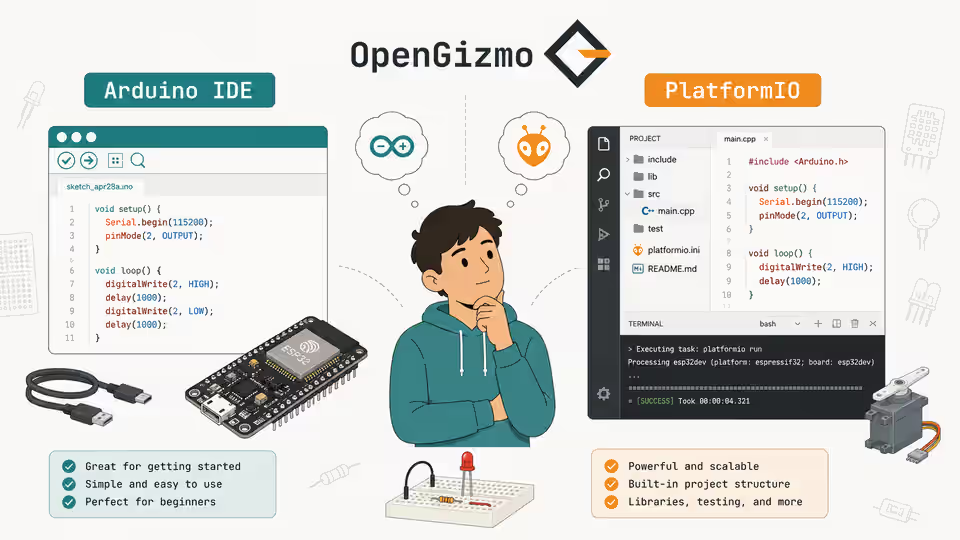
- Write or adapt firmware in Arduino, PlatformIO, or ESP-IDF.
- Connect the board to your computer over USB and upload the firmware.
- Wire the hardware pieces you need, such as buttons, screens, sensors, or relays.
- Test the device locally, then refine the firmware until the interaction feels reliable.
That process sounds technical, but it becomes manageable very quickly once the project is concrete. It is usually easier to learn when you are building one useful thing than when you are trying to study every embedded concept in the abstract.
How Do You Choose an ESP32 Board?
When people first look into ESP32 projects, one source of confusion is that there is not just one board. There are many variants, form factors, and vendor-specific layouts built around the same general family.
For a beginner, the most important questions are simple:
| Question | Why it matters |
|---|---|
| Does it have easy USB flashing? | That makes development and testing much simpler |
| Does it expose enough pins? | You need room for the sensors, display, or inputs your project requires |
| Does it fit the device physically? | Board size can matter a lot once you move beyond prototyping |
| Does the ecosystem support it well? | Common boards are easier to find examples and troubleshooting help for |
You do not need to pick the perfect board on day one. What matters more is choosing a common, well-supported option and getting to a first working prototype.
Limits and Tradeoffs
The ESP32 is strong, but it is not magic. It still lives in the world of embedded tradeoffs.
You need to think about power usage, wiring stability, pin availability, wireless reliability, and the fact that debugging firmware is usually less forgiving than debugging a web app. Memory and timing also matter more once a project grows in complexity.
This is important because many beginner articles describe boards in a way that sounds abstractly impressive without explaining the engineering reality. The ESP32 is powerful for its class, but the real skill is choosing a project shape that matches the hardware well.
Is the ESP32 Good for Beginners?
Yes, with one condition: it is best for beginners who want to build practical connected devices, not just learn electronics theory in the abstract.
If your goal is to make something that reads inputs, drives outputs, and talks to WiFi, the ESP32 is often easier to justify than a simpler board plus extra modules. You get more of the full device story from the beginning.
At the same time, it helps to stay scoped. Start with one display, one button, one sensor, or one clear output. The fastest way to get lost is to treat your first ESP32 project like a complete product before you have validated the core interaction.
ESP32 vs Simpler Boards
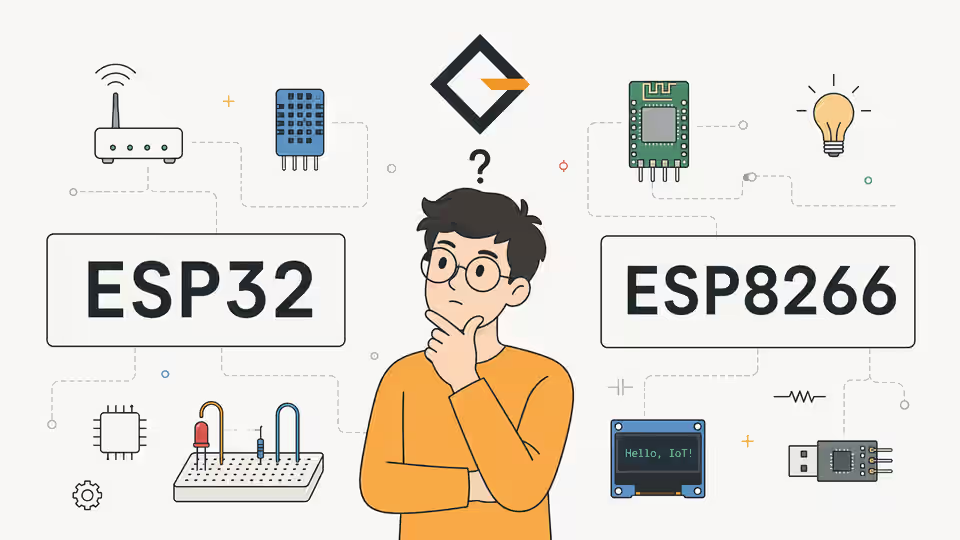
A board like the Arduino Uno is still useful for very small local projects, but the ESP32 is usually a better fit when wireless communication is part of the requirement.
That does not mean the ESP32 is automatically the right answer for every project. If you only need a tiny local controller with no networking at all, a simpler board can still be easier to reason about.
The reason the ESP32 matters is that it lets you step into connected-device thinking without needing much extra hardware.
Another way to frame it is this: boards like the Arduino Uno are great for learning the basics of input and output, while the ESP32 is great for turning those basics into a more complete connected product. Both have value, but they are optimized for different kinds of first wins.
Why the ESP32 Matters for Open Hardware Projects
Open hardware projects benefit from parts that are available, affordable, and flexible enough for other people to reproduce. The ESP32 checks all three boxes well enough to make it a strong foundation for shared builds.
That matters for a site like OpenGizmo because a project is more useful when someone else can realistically assemble, flash, modify, and extend it. A board that is too obscure or too expensive creates friction for the whole ecosystem around the idea.
The ESP32 helps keep projects accessible while still leaving room for interesting product behavior.
Final Thoughts
If you want to build hardware that reacts to the real world and also talks to a network, the ESP32 is one of the easiest places to start.
It is affordable, capable, and flexible enough to power the kind of practical gadget that feels like a real device rather than a disconnected experiment.
That is the real reason it matters. The ESP32 does not just help you learn embedded development. It helps you make things that people can actually use.
If you are exploring connected DIY hardware, it is one of the most practical platforms to understand early!
Frequently asked questions
Find quick answers to the most common questions about this topic.
The ESP32 is a microcontroller family made by Espressif that combines CPU, memory, GPIO, WiFi, and Bluetooth in a compact and affordable chip for connected devices.

Author
BrumaReady to build your own gizmo?
Pick an open-source ESP32 project and follow its step-by-step guide, from the parts list and wiring to the firmware and the first boot.