How to Build a Crypto Ticker with ESP32 and MAX7219
Learn how to build a crypto ticker with an ESP32 and MAX7219 LED matrix using WiFi market data, a scrolling display loop, and a browser-based setup flow.

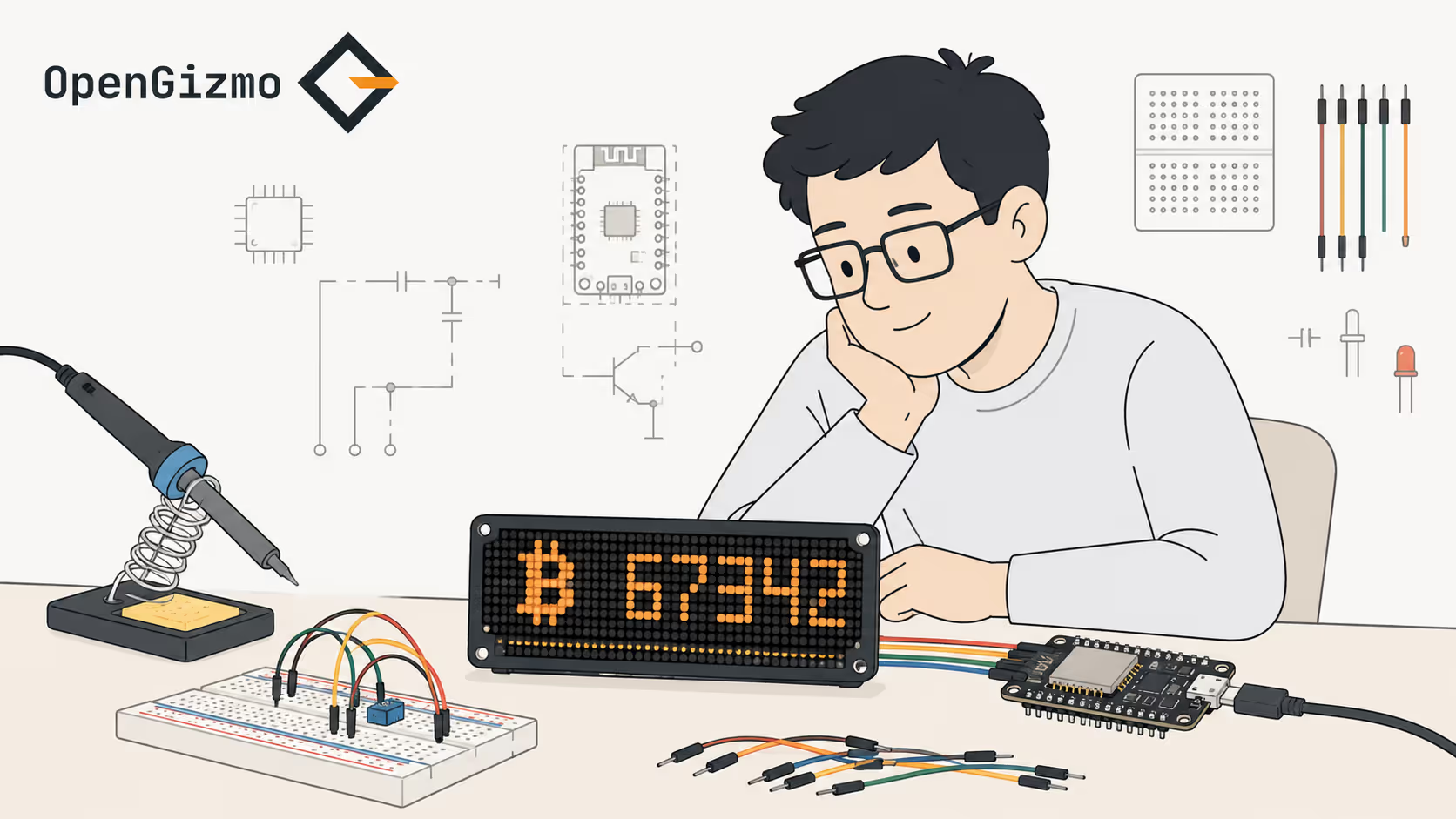
In short
To build a practical crypto ticker with ESP32 and MAX7219, you need a scrolling display loop, a reliable market-data fetch flow, stored device settings, and a clean way to configure everything without touching the firmware every time.
Building a crypto ticker with an ESP32 and a MAX7219 is one of those projects that looks simple from a distance and becomes much more interesting once you try to make it pleasant to use every day.
Getting text to scroll across an LED matrix is not the hard part. The useful version of the project also needs live market data, stable WiFi behavior, readable timing, stored configuration, and a setup flow that does not force you to reflash firmware whenever you want to change a coin or brightness level.
That is the idea behind Gizmo Ticker: a small connected display that turns an ESP32 and a MAX7219 matrix into a dedicated crypto dashboard with browser-based setup.
- ESP32 handles WiFi, configuration, and the ticker update loop
- MAX7219 makes the LED matrix practical for compact scrolling output
- A browser-based setup flow makes the project much easier to live with
- Readability and reliability matter more than raw refresh speed
A WiFi-connected crypto display built with an ESP32, a MAX7219 LED matrix, and a Nuxt 4 web app for browser-based setup and configuration.
- Live crypto ticker
- MAX7219 LED matrix
- Web-based setup
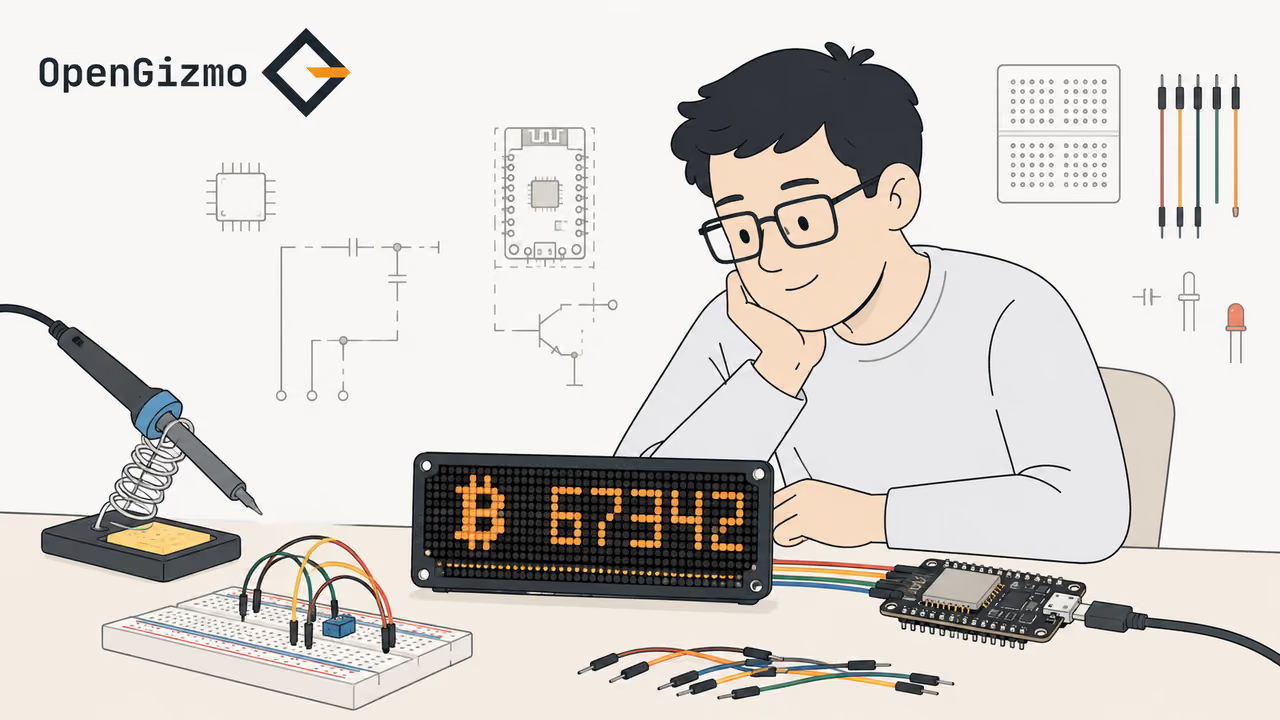
What You Are Actually Building
At a high level, this project is not just an LED matrix demo. It is a connected display appliance with four cooperating layers:
| Layer | What it does | Why it matters |
|---|---|---|
| Data | Fetches live market data over WiFi | Without useful input, the ticker is only an animation |
| Settings | Stores coin selection, intensity, and timing preferences | The device needs to adapt without repeated reflashing |
| Rendering | Formats values and scrolls them across the matrix | This is where readability is won or lost |
| Setup | Exposes a local web interface for configuration | A good setup flow makes the device practical outside a dev bench |
If any one of those layers is weak, the project starts to feel like a prototype instead of a dependable desk display.
Why Do the ESP32 and MAX7219 Work Well Together?
The ESP32 is a strong fit here because it combines WiFi, enough memory for a modest config layer, and enough general flexibility to manage both network activity and display output without turning the whole project into a juggling act.
On the software side, the firmware is built on the official Arduino core for the ESP32 maintained by Espressif, and the chip's WiFi and memory specs are in the ESP32 datasheet.
The MAX7219 is a good partner because it simplifies LED matrix driving. Instead of spending your whole effort on multiplexing and low-level timing, you can concentrate on the actual user-facing behavior of the ticker.
This combination works especially well when your goal is a compact display that feels purpose-built:
- ESP32 handles WiFi and periodic API requests
- MAX7219 drives the matrix with a wiring pattern makers already know well
- Local settings storage lets the ticker remember how you want it to behave
- A small web UI keeps setup separate from the runtime display logic
If you are comparing chips for similar projects, ESP32 vs ESP8266 covers why the ESP32 is usually the safer choice once the device grows beyond a minimal connected demo.
The Core Control Flow
The cleanest way to think about a crypto ticker is as a repeating pipeline rather than a single loop.
Step 1: Load configuration
On startup, the device needs to know things like WiFi credentials, the selected coin or coins, refresh timing, display intensity, and any formatting options. That configuration should come from persistent storage, not hardcoded values in the main loop.
Step 2: Join WiFi and validate connectivity
Before the ticker can show anything useful, the ESP32 needs a stable connection. A display that scrolls stale or missing values without telling you why is hard to trust.
Step 3: Fetch market data
Once connected, the firmware calls the chosen market API, parses the response, and extracts only the fields it needs for the display. This step sounds trivial, but real-world behavior matters: timeouts, missing fields, and rate limits all show up quickly on small connected devices.
Step 4: Format for readability
Raw numbers are rarely what you want to render directly. The firmware needs rules for abbreviations, decimal precision, symbol display, and how long each item should stay visible before the next scroll segment begins.
Step 5: Render continuously on the matrix
The MAX7219 output loop needs to keep moving smoothly even while the rest of the system is waiting for the next network refresh. That separation is important because the display should feel stable even when the network is not.
- Load saved device settings
- Connect to WiFi and confirm the network path works
- Fetch and parse market data
- Format values into readable ticker text
- Keep the matrix scrolling independently of fetch timing
What Hardware Do You Need?
You do not need much hardware to build the first useful version, but each part has a clear job.
| Part | Purpose | Recommended? | Notes |
|---|---|---|---|
| ESP32 development board | Runs WiFi, configuration, and display logic | Required | Choose a board with stable USB power and enough pins for your matrix wiring |
| MAX7219 LED matrix module | Shows the scrolling ticker output | Required | Common 8x8 chained modules are the usual starting point |
| Power source | Keeps the ESP32 and matrix stable | Required | Power issues show up as flicker, resets, or unreliable WiFi |
| WiFi network | Provides access to live market data | Required | Local stability matters more than raw speed |
| Optional enclosure or stand | Makes the device easier to place on a desk or shelf | Optional | Physical presentation matters once the firmware is stable |
Firmware Architecture That Stays Maintainable
The first version of a ticker often starts as a single file. That is fine for a proof of concept, but it becomes awkward quickly once you add settings, retries, parsing, and local configuration.
A more maintainable split looks like this:
- Display module for scrolling text, brightness, and matrix timing
- WiFi module for connection state and reconnect behavior
- Market-data module for API requests and response parsing
- Settings module for saved preferences and defaults
- Web configuration module for local browser-based setup
That modular structure is one reason Arduino IDE vs PlatformIO for ESP32 usually tilts toward PlatformIO once a project moves beyond a single experimental sketch.
The Configuration Layer Is What Makes It Practical
One of the best things you can do for this project is avoid tying basic setup to firmware changes.
If the user needs to recompile just to switch from BTC to ETH, change brightness, or tune scroll speed, the device will feel unfinished. A browser-based setup flow changes that completely.
That is why the Gizmo Ticker pattern uses a local web interface. It gives the ESP32 a way to receive settings, save them locally, and return to normal operation without turning simple customization into a development task.
From a device-design perspective, that setup layer is not extra polish. It is part of the core usability of the project.
What Usually Goes Wrong, and How Do You Design Around It?
Useful embedded projects get better when you think about failure modes before they happen.
| Failure mode | What goes wrong | Better design choice |
|---|---|---|
| WiFi drops out | The ticker shows stale data or stops updating | Keep the display loop alive and expose a clear reconnect strategy |
| API responses change | Parsed fields break and the output becomes wrong | Validate data before rendering and keep formatting rules defensive |
| Brightness is too high or too low | The display is annoying or unreadable in the room | Expose intensity control in the settings UI |
| Refreshes are too frequent | You hit rate limits or waste bandwidth | Separate display timing from fetch timing and update sensibly |
| Configuration is hardcoded | Small user changes require code edits | Move setup into a local web interface with saved preferences |
A Practical Build Plan
If you want to build your own version, do it in the order that reduces risk early.
- Start by driving the MAX7219 with a simple local test string
- Add WiFi connection and verify the ESP32 can reach the chosen API
- Parse one market response and render a clean single-asset ticker
- Add saved settings for brightness, timing, and selected asset
- Build the browser-based setup flow for first-run and later changes
- Only then expand to more display options or multiple data views
That order keeps the technical risk visible and stops the UI layer from hiding unresolved firmware problems.
Security and Reliability Notes
Keep API credentials out of the main application logic
If your data source requires an API key, store it in a dedicated configuration layer rather than scattering it across the codebase.
Treat readability as a system feature
A crypto ticker is only useful if the information is easy to parse at a glance. Good spacing, sensible intensity, and realistic scroll timing are part of the engineering work, not decoration.
Separate fetch cadence from display cadence
The display should continue behaving predictably even when network requests are slow or temporarily unavailable. That separation is a big part of making the device feel stable.
Final Thoughts
Building a crypto ticker with ESP32 and MAX7219 is absolutely doable, and the hardware side is simpler than many people expect. The part that deserves most of your attention is how the data flow, configuration layer, and display timing work together.
The most useful version of the project is not "ESP32 scrolls text on LEDs." It is "ESP32 becomes a dependable connected display that people can configure without touching firmware."
If you want to see that pattern in a real project, start with Gizmo Ticker. Then browse the broader OpenGizmo projects collection for more practical ESP32 builds.
Frequently asked questions
Find quick answers to the most common questions about this topic.
Yes. An ESP32 has enough processing power, WiFi support, and GPIO flexibility to fetch market data and drive a MAX7219 LED matrix as a live scrolling crypto ticker.

Author
BrumaReady to build your own gizmo?
Pick an open-source ESP32 project and follow its step-by-step guide, from the parts list and wiring to the firmware and the first boot.